AI Image Aspect Ratios Explained: Which Size Should You Choose?
Square, portrait, or widescreen? Learn what aspect ratios mean, which one fits Instagram, YouTube, wallpapers and print, and how ratio changes your AI composition.
 Sumit Singh Rathore3 min read
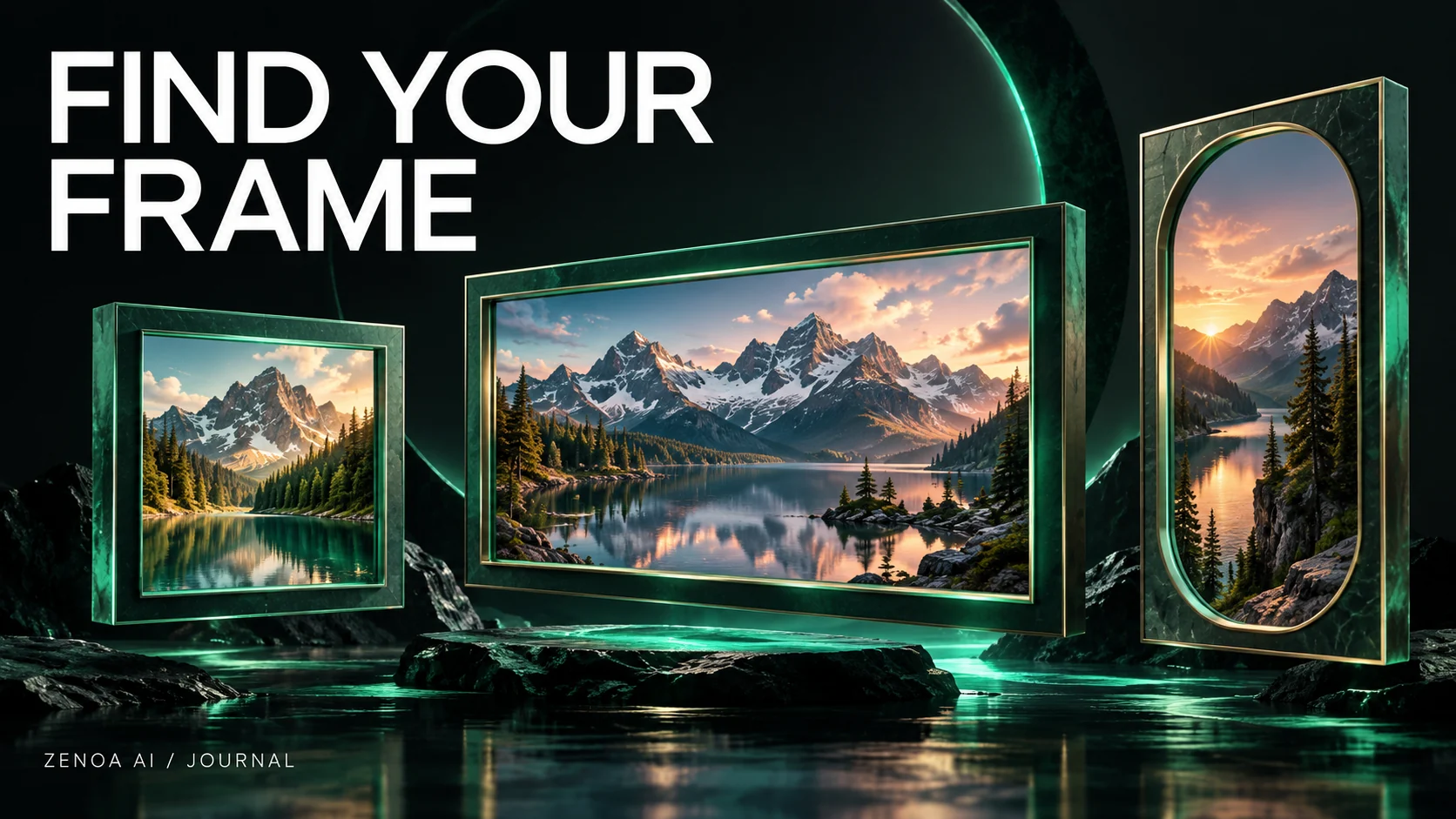
When you generate an AI image, choosing the aspect ratio is as important as writing the prompt. The ratio decides how your subject is framed, and picking the wrong one means cropping later and losing detail. Here is a plain-English guide.
What is an aspect ratio?
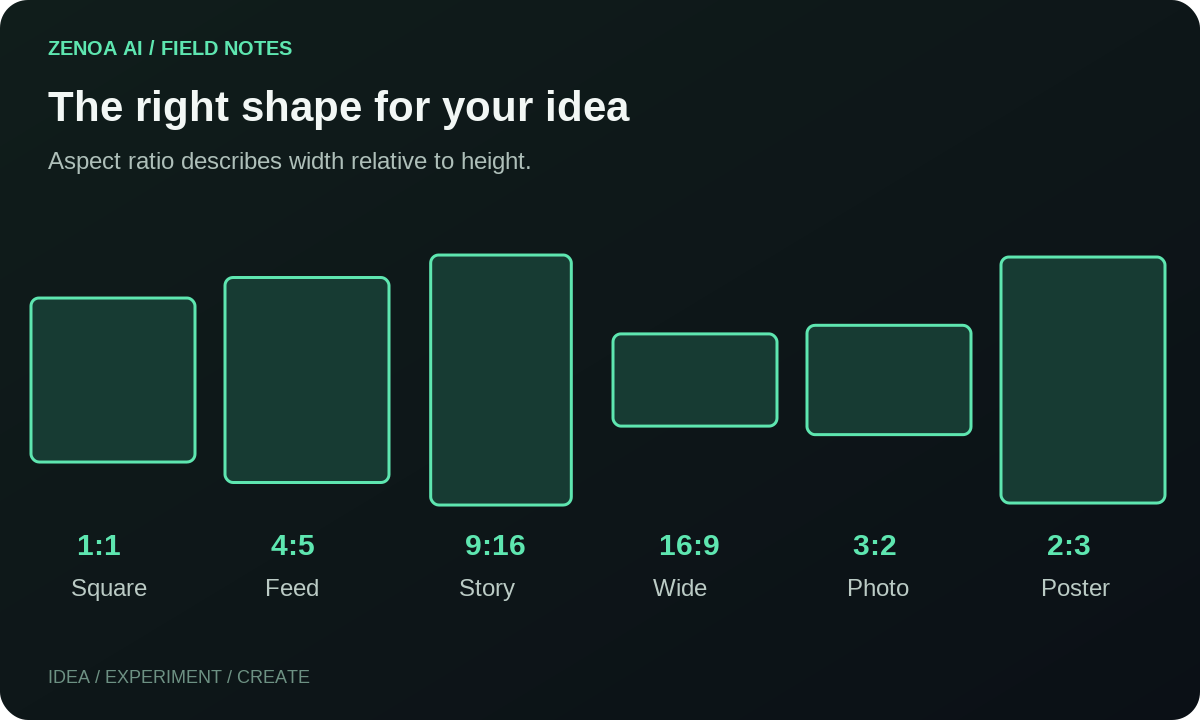
An aspect ratio is the proportion of width to height. A 1:1 image is a perfect square. A 16:9 image is wider than it is tall, like a TV screen. A 9:16 image is the same shape turned upright, like a phone screen.
Which ratio for which platform?
| Ratio | Shape | Best for |
|---|---|---|
| 1:1 | Square | Instagram posts, profile pictures, album art |
| 4:5 | Slightly tall | Instagram and Facebook feed portraits |
| 9:16 | Tall vertical | Stories, Reels, Shorts, TikTok, phone wallpapers |
| 16:9 | Widescreen | YouTube thumbnails, desktop wallpapers, presentations |
| 3:2 | Classic photo | Landscape photography, blog headers |
| 2:3 | Classic portrait | Posters, Pinterest pins, book covers |
How ratio changes your composition
The model composes the scene to fit the frame, so the same prompt looks different in each shape:
- Wide (16:9, 3:2) suits landscapes, cityscapes, and scenes with several subjects side by side.
- Tall (9:16, 2:3) suits full-body characters, towers, waterfalls and anything vertical.
- Square (1:1) suits centered subjects like portraits, logos and objects.
Resolution vs aspect ratio
They are different things. Aspect ratio is the shape; resolution is the pixel count. Zenoa AI generates images up to 1024x1024, which is plenty for social posts, thumbnails and wallpapers on most phones. For large prints, plan on upscaling.
Quick decision guide
- Posting to a feed? Use 1:1 or 4:5.
- Making a Story, Reel or wallpaper? Use 9:16.
- Designing a thumbnail or desktop background? Use 16:9.
- Printing a poster? Use 2:3 and upscale.
Tips
- Generate in the final ratio instead of cropping, so the AI frames the scene properly.
- Leave breathing room if text will be overlaid, for example by asking for "empty space on the left".
- Test one prompt across two ratios to see which composition you prefer.
Zenoa AI lets you set the aspect ratio before every generation. Try it free on Google Play.
FAQ
What is the most versatile aspect ratio? 1:1 is the safest all-rounder, and 4:5 works best for social feeds.
Can I change the ratio after generating? You can crop, but you cannot extend the scene without regenerating, so choose first.