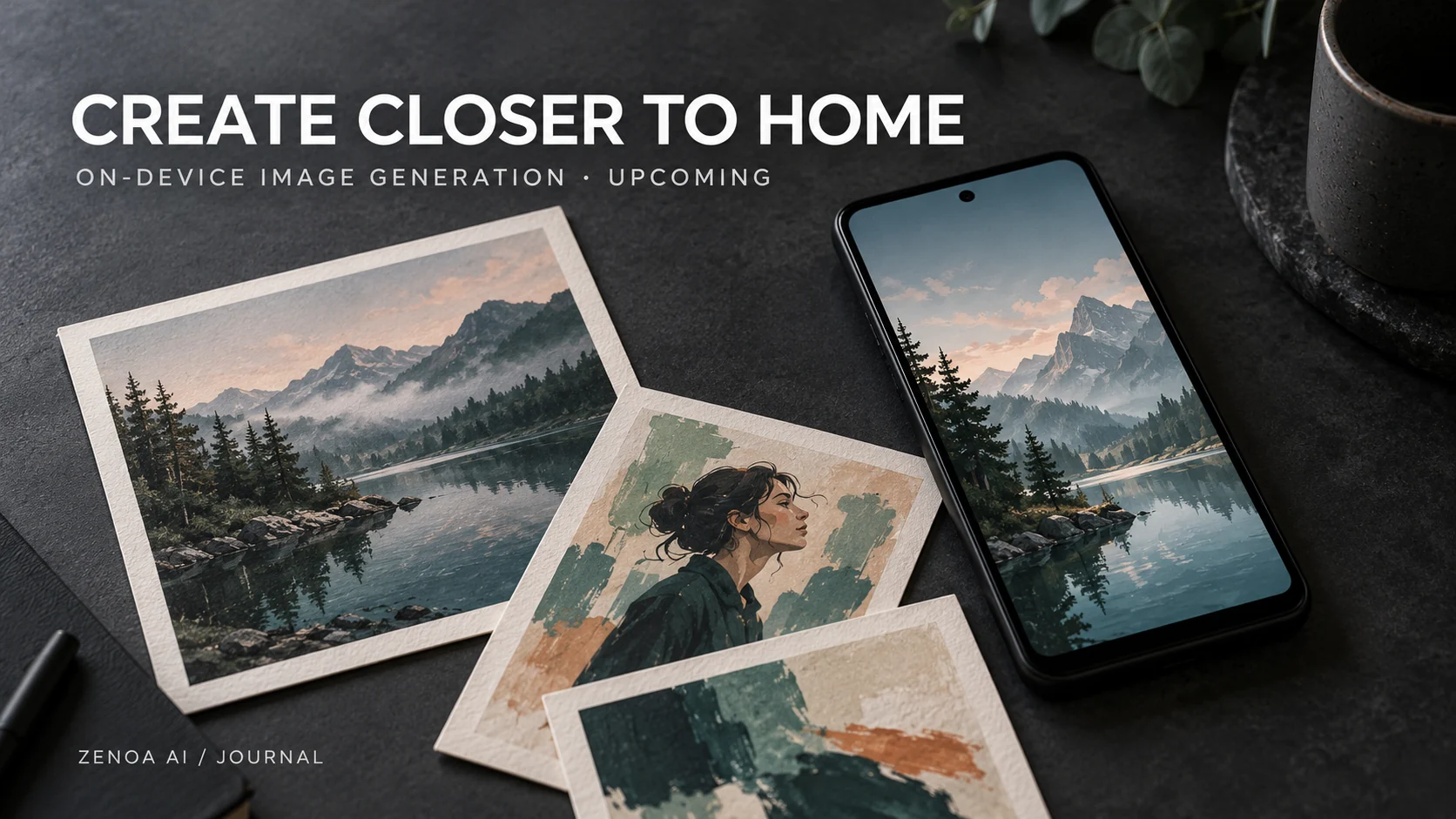
On-Device AI Image Generation Is Coming to Zenoa AI
A look at our plans for on-device text-to-image generation: more room to experiment, less reliance on paid server generation, and new creative possibilities.
 Sumit Singh Rathore6 min read
Practical AI art guides, copyable prompts and image-generation tutorials. Explore wallpapers, avatars, lighting, composition and creative workflows.
A look at our plans for on-device text-to-image generation: more room to experiment, less reliance on paid server generation, and new creative possibilities.
Sumit Singh Rathore6 min read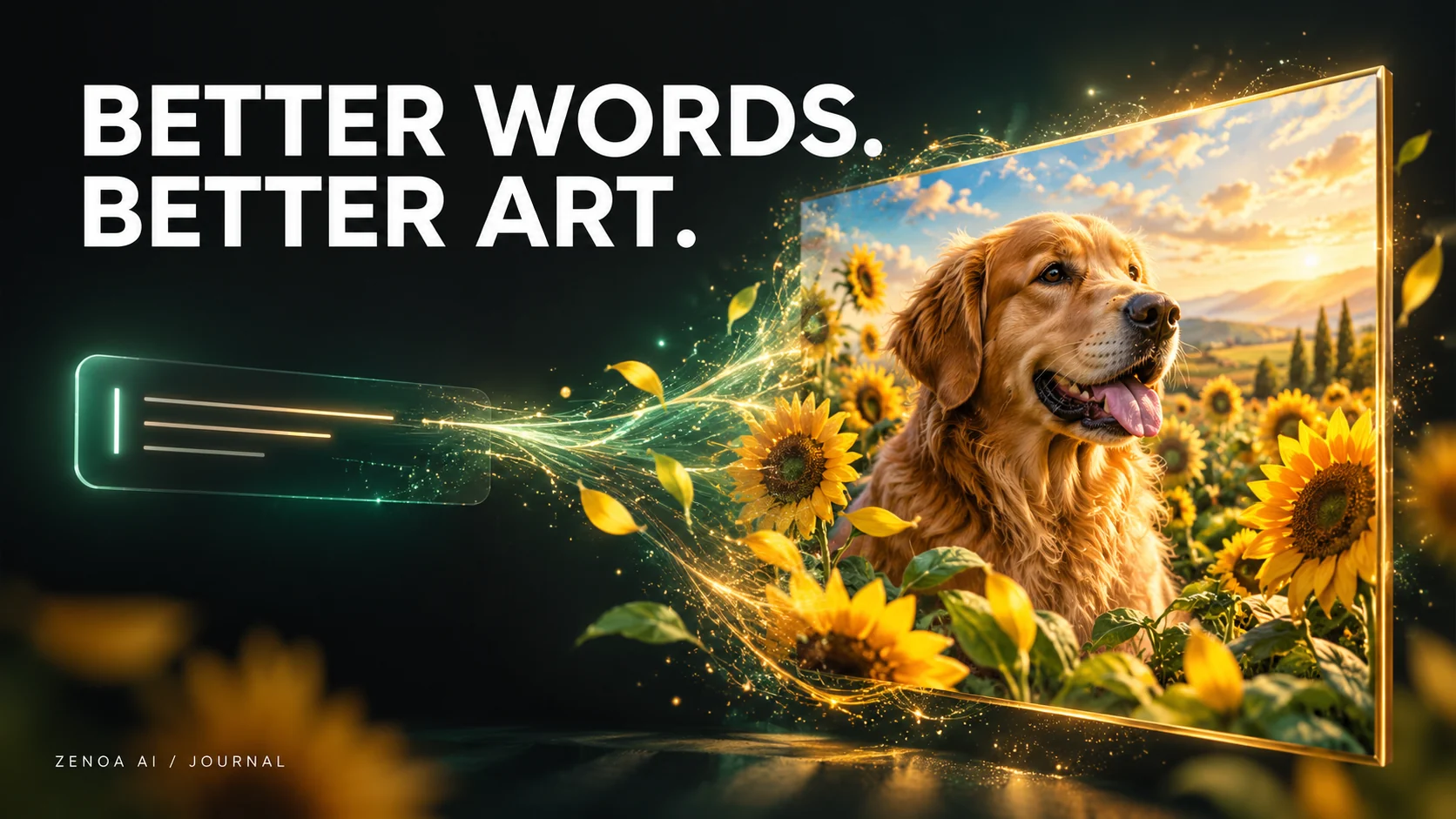
A practical, step-by-step formula for writing text-to-image prompts, with before-and-after examples you can copy into any AI image generator.
Sumit Singh Rathore4 min read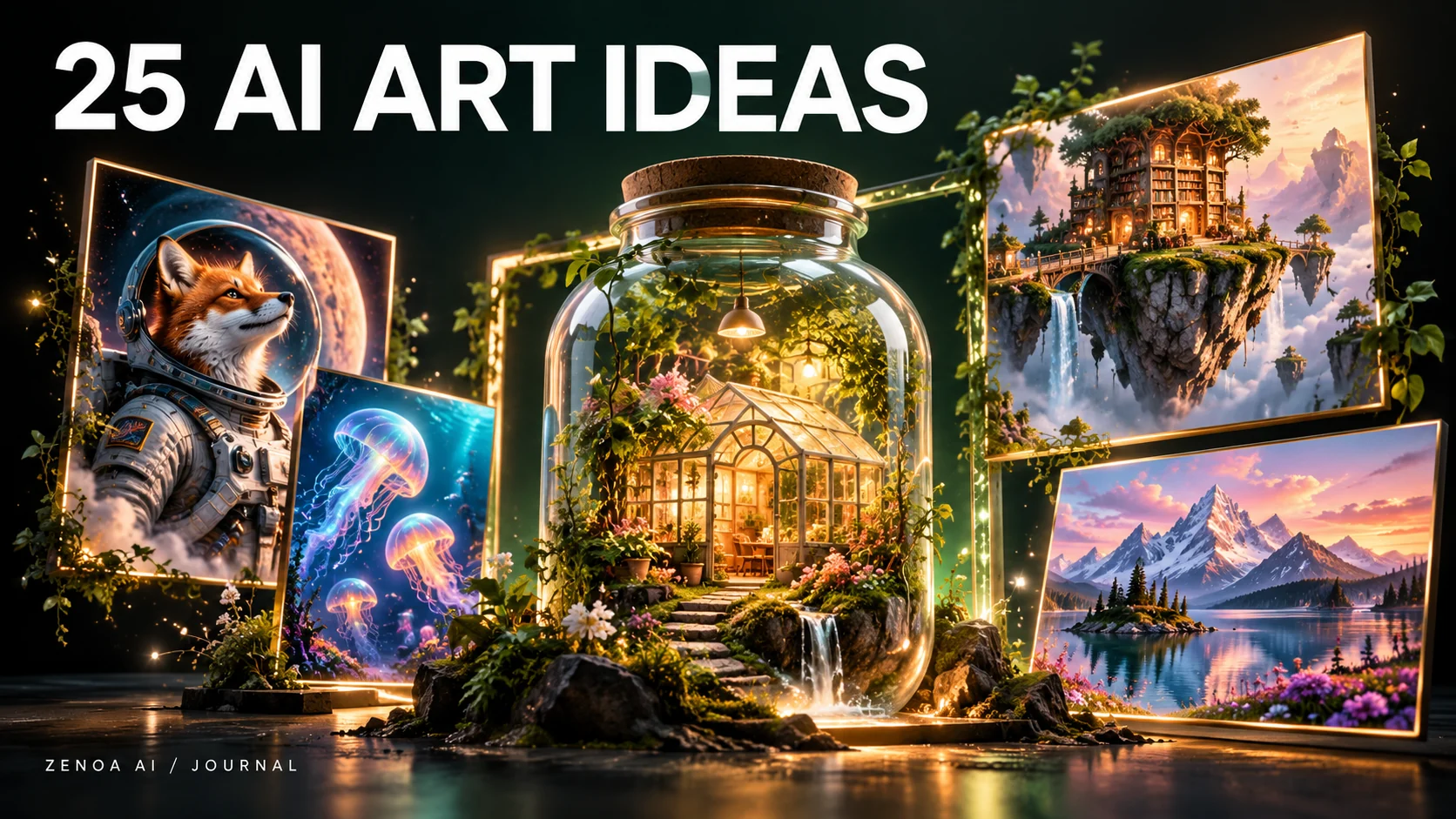
Stuck for ideas? Here are 25 creative AI art prompts for wallpapers, avatars, stickers, posters and more. Copy one and create something in under a minute.
Sumit Singh Rathore3 min read
Square, portrait, or widescreen? Learn what aspect ratios mean, which one fits Instagram, YouTube, wallpapers and print, and how ratio changes your AI composition.
Sumit Singh Rathore3 min read
Curious how typing a sentence creates a picture? A plain-English guide to text-to-image AI, diffusion models, and what they can and cannot do.
Sumit Singh Rathore3 min read
Skip stock photos and expensive designers. Learn a simple workflow to make scroll-stopping thumbnails, Instagram posts and Stories with an AI image generator.
Sumit Singh Rathore2 min read
Discover how remixing prompts, following creators and sharing your work in the Zenoa AI community helps you learn faster and get more out of every generation.
Sumit Singh Rathore2 min read
Build a simple AI prompt library with source images, style settings, and revision notes. Find and reuse your best creative recipes.
Sumit Singh RathoreUpdated 3 min read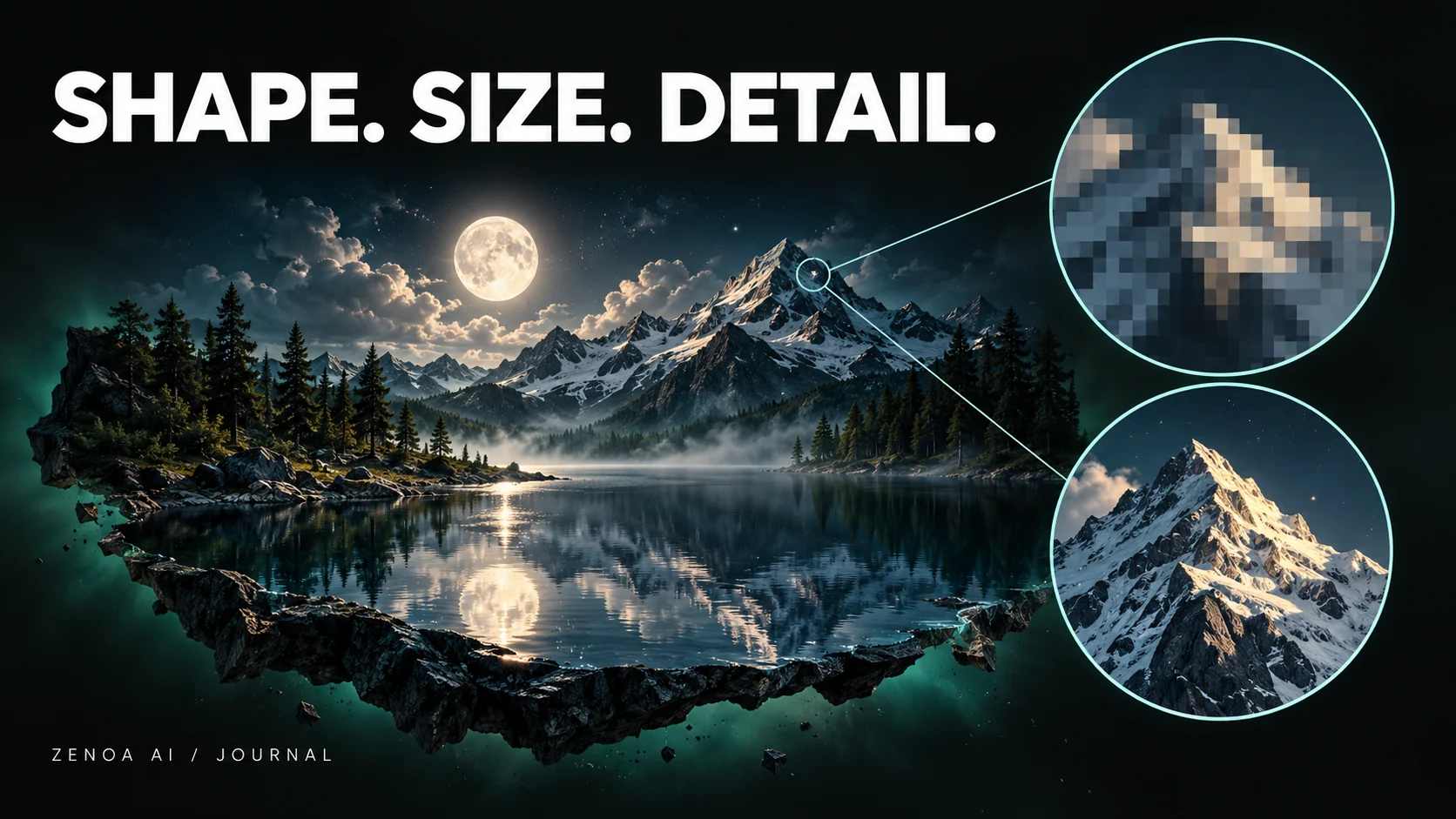
Understand pixels, aspect ratio, resizing, and AI upscaling. Learn how to inspect detail and prepare images for screens or print.
Sumit Singh RathoreUpdated 3 min read
Troubleshoot clutter, awkward crops, inconsistent style, and unclear subjects. Learn when to regenerate and when to use an editor.
Sumit Singh RathoreUpdated 3 min read
Generate backgrounds for product concepts, then composite the real product in an editor. Learn lighting, perspective, and shadow checks.
Sumit Singh RathoreUpdated 3 min read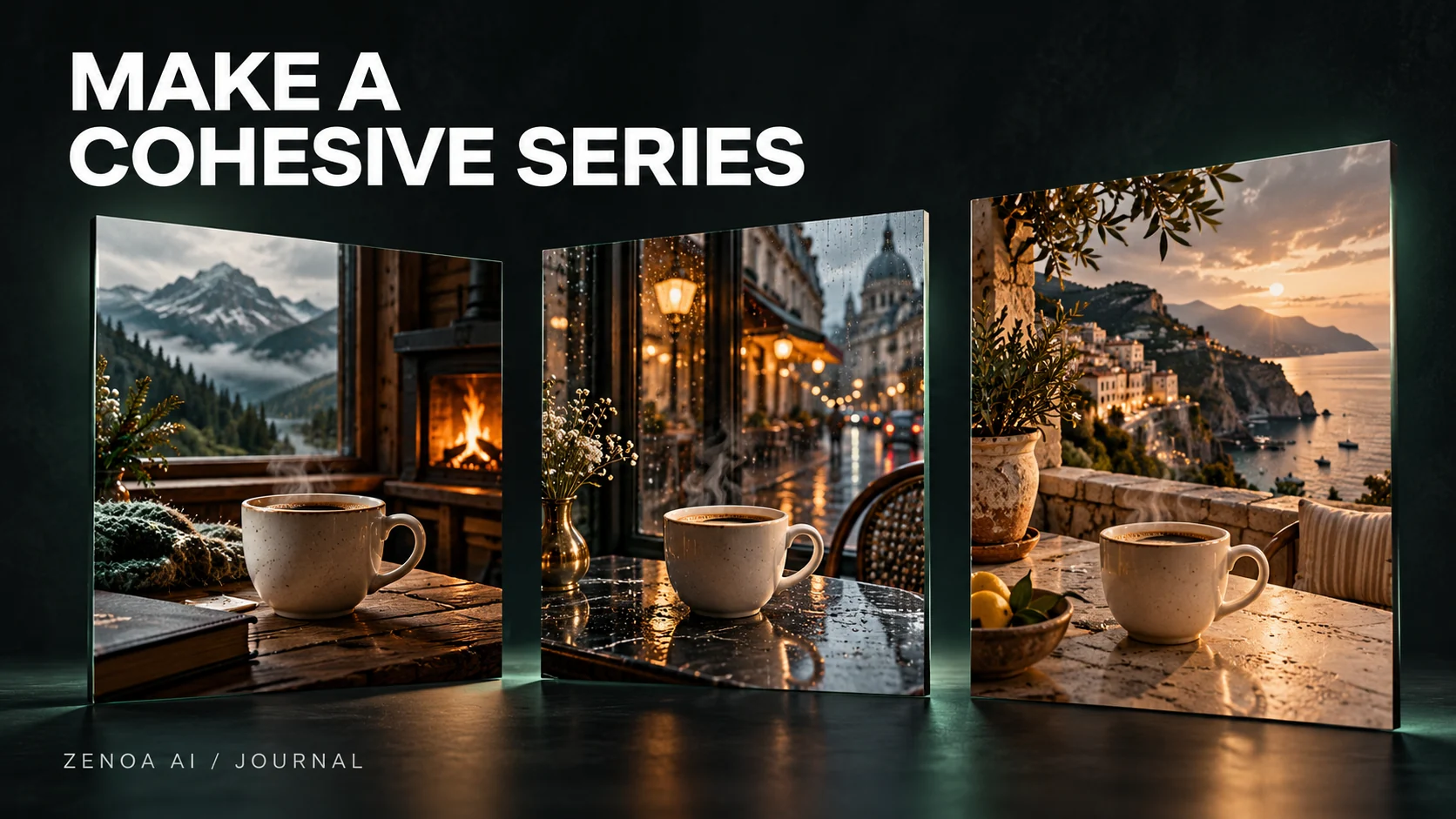
Keep AI images visually connected with a reusable style brief, palette, framing rules, and a controlled variation workflow.
Sumit Singh RathoreUpdated 3 min read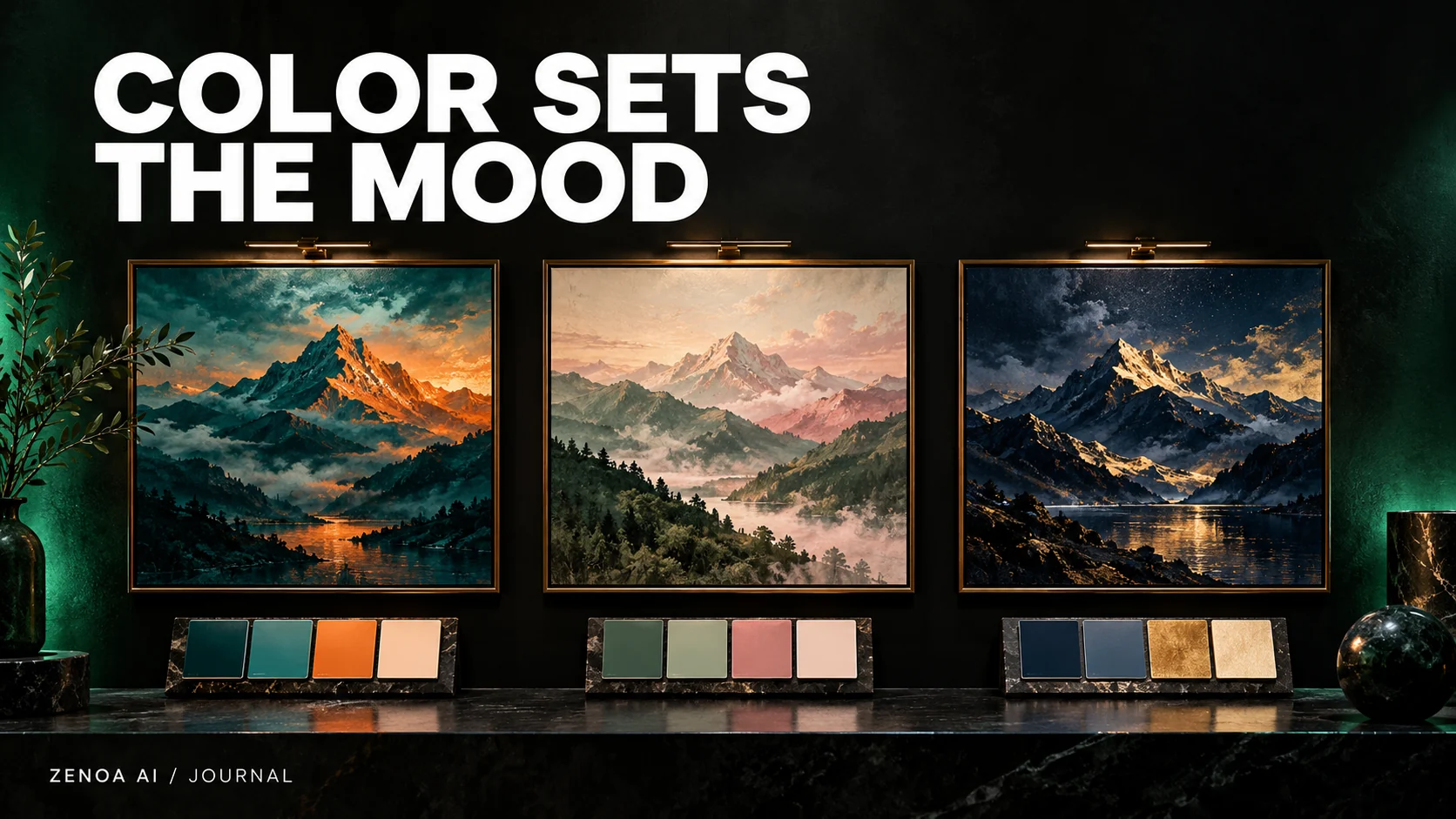
Guide AI art with a dominant color, a supporting tone, and an accent. Try calm, cinematic, and elegant palettes without overloading the prompt.
Sumit Singh RathoreUpdated 3 min read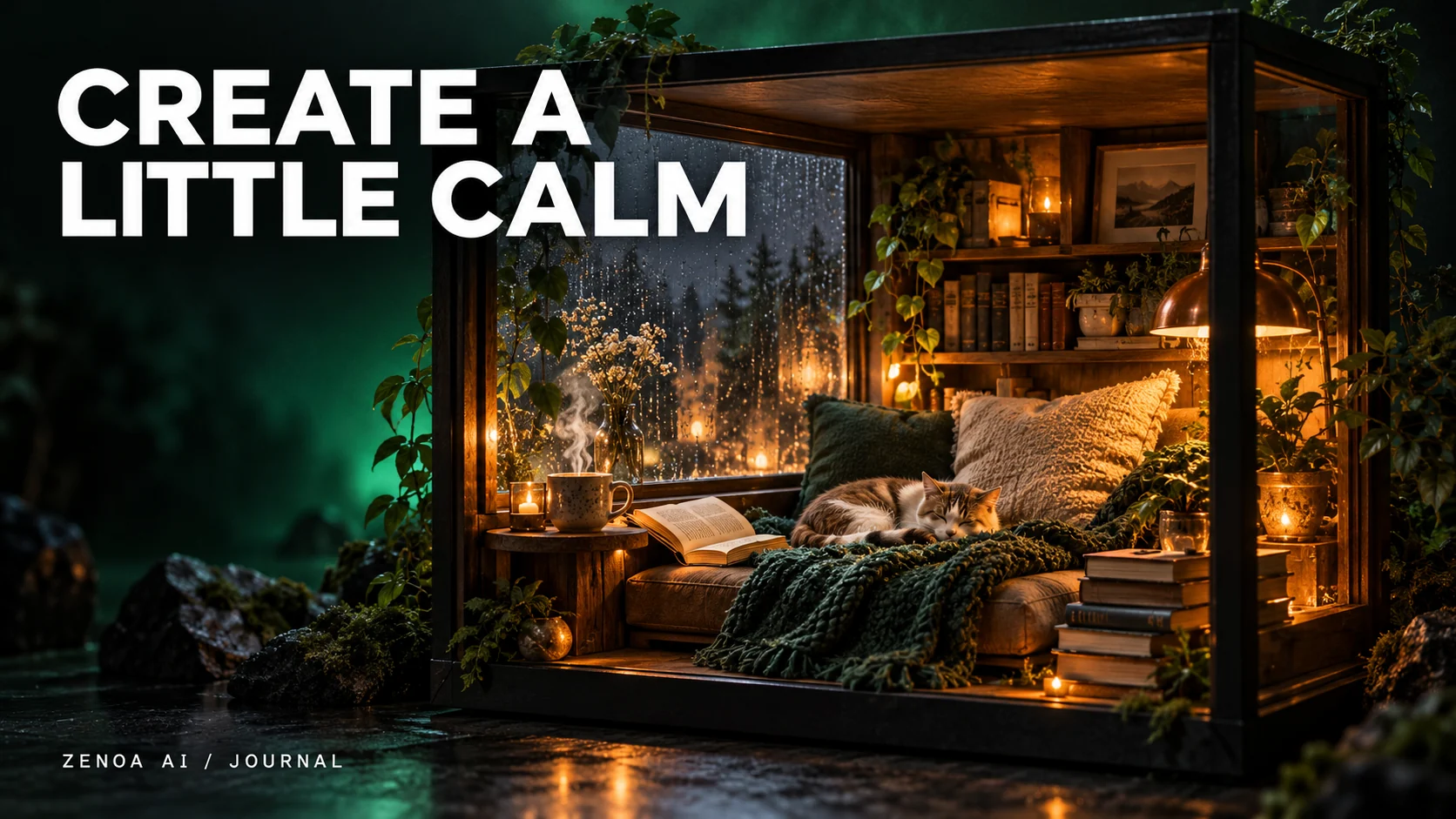
Create cozy AI scenes with warm light, tactile materials, and quiet compositions. Try prompts for reading corners, cafes, and winter cabins.
Sumit Singh RathoreUpdated 3 min read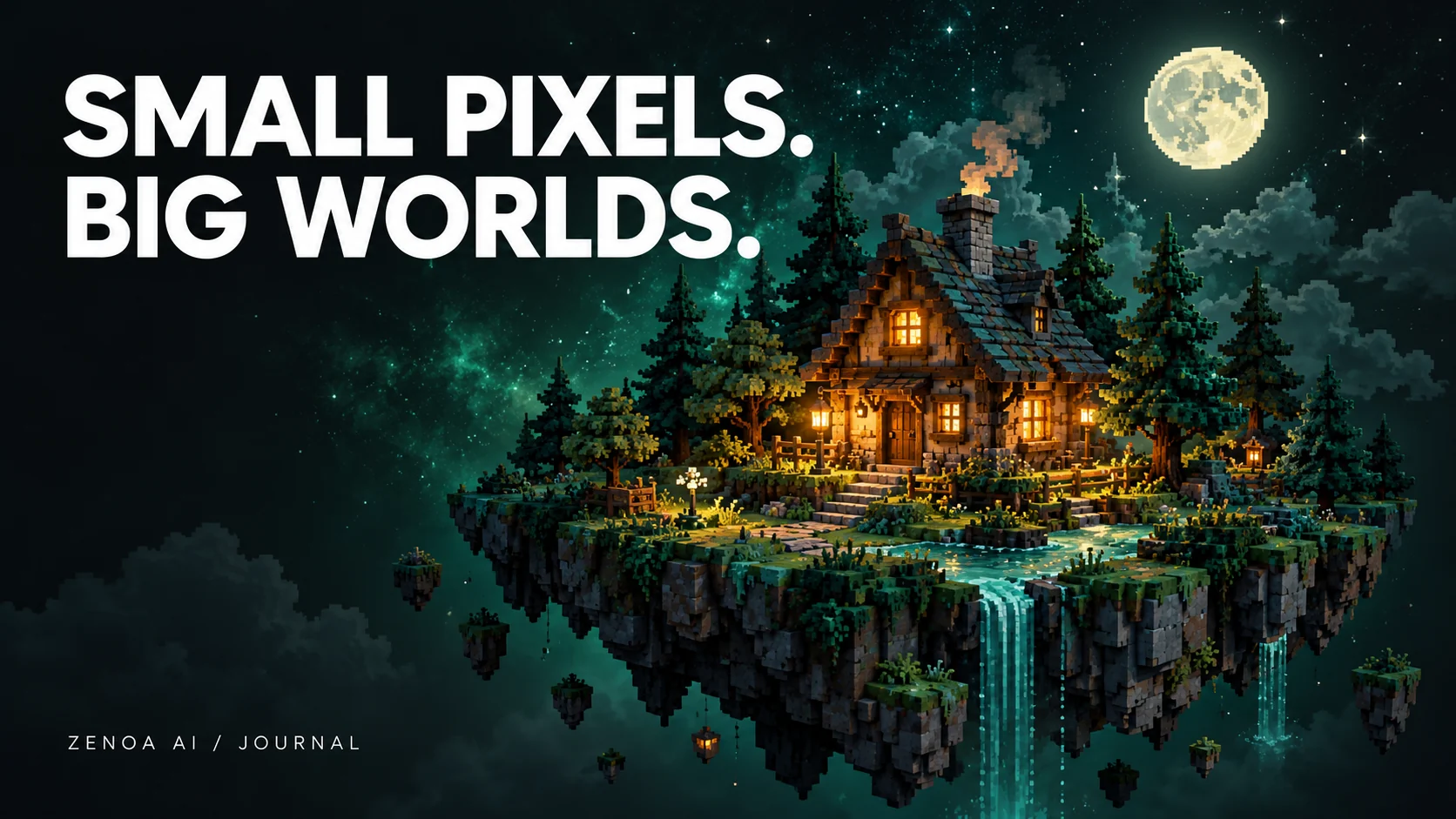
Create pixel-art-style AI images with simple silhouettes, limited palettes, and crisp edges. Learn what still needs manual cleanup.
Sumit Singh RathoreUpdated 3 min read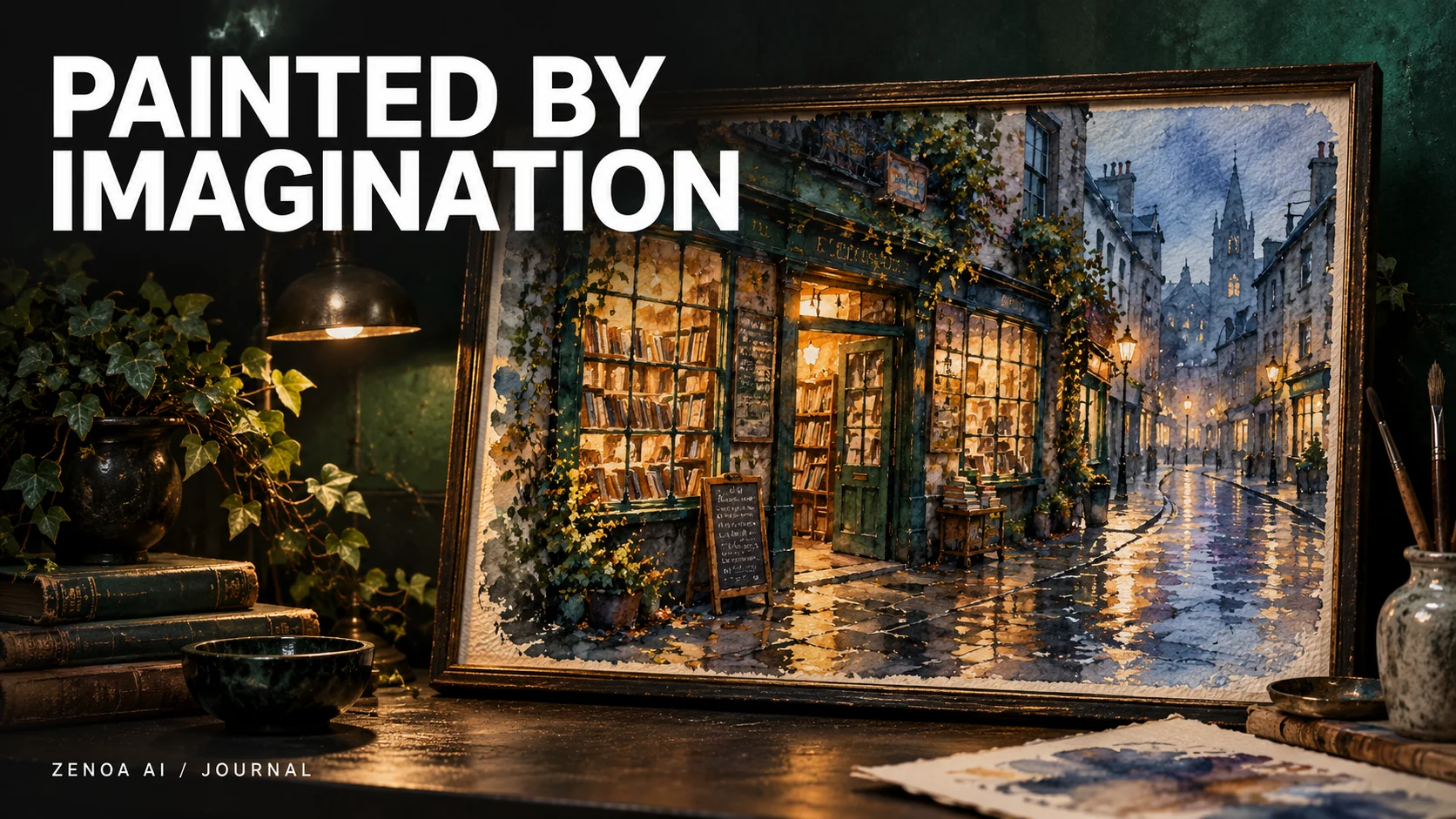
Write watercolor AI prompts with transparent washes, textured paper, and restrained detail. Includes landscapes, flowers, and cozy scenes.
Sumit Singh RathoreUpdated 3 min read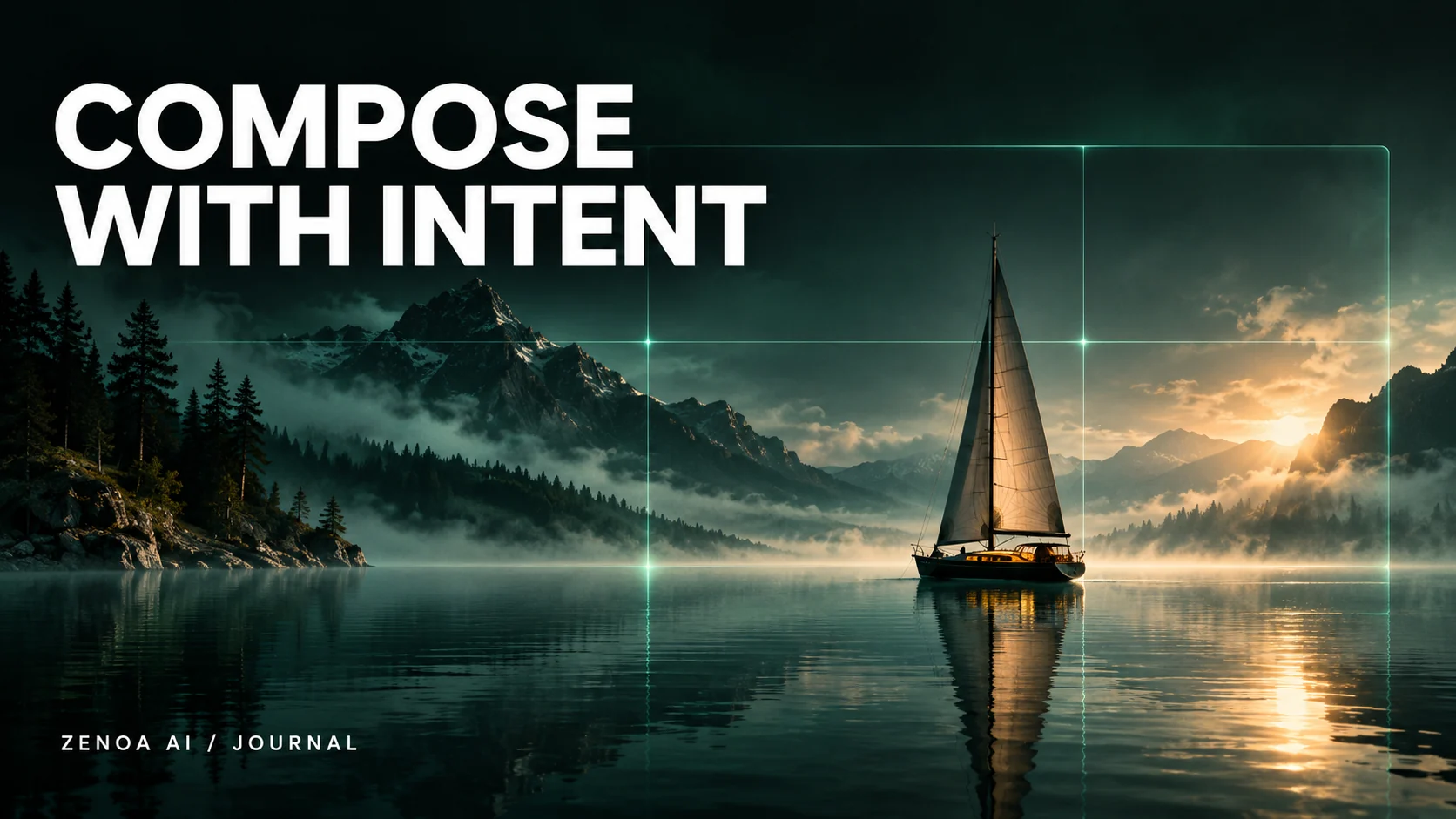
Improve AI image composition with clear focal points, framing, leading lines, and negative space. Includes reusable scene prompts.
Sumit Singh RathoreUpdated 3 min read
Learn when negative prompts help, how to write short exclusions, and what to do when your generator has no negative prompt field.
Sumit Singh RathoreUpdated 3 min read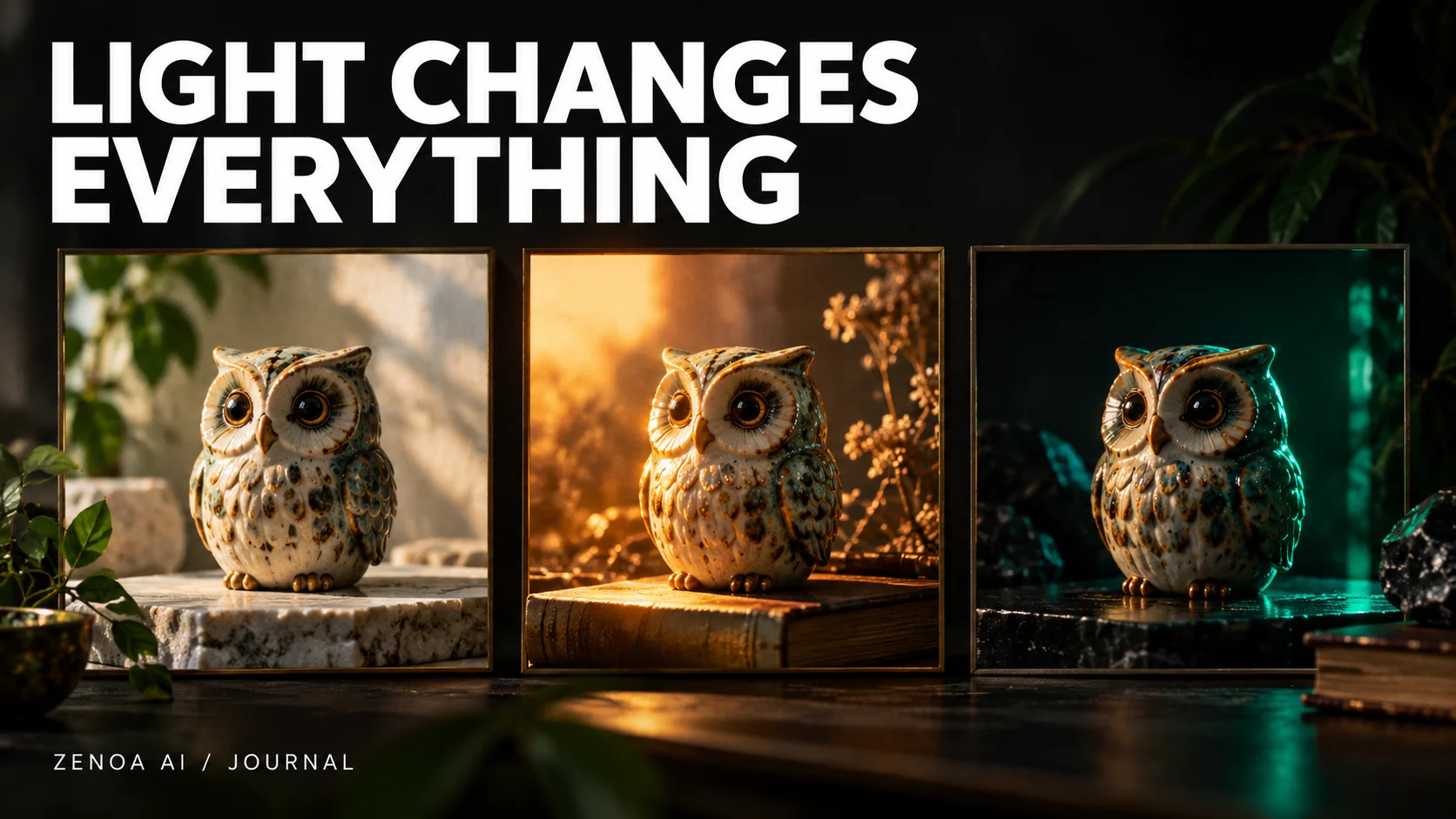
Use golden hour, soft window light, rim lighting, and neon contrast in AI prompts. Learn how light changes the same subject.
Sumit Singh RathoreUpdated 3 min read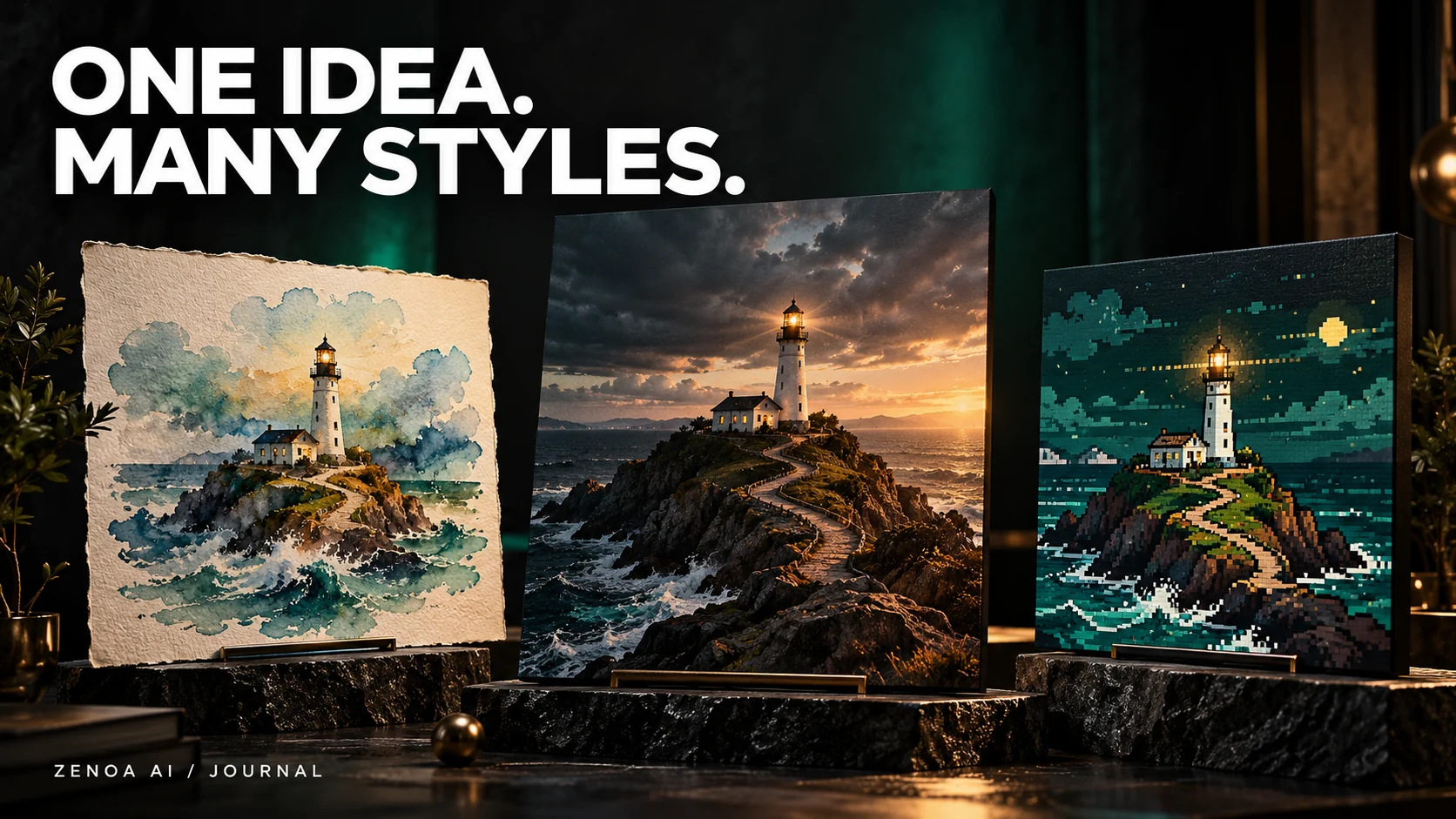
Compare realistic, watercolor, pixel art, and 3D styles by purpose. Use one subject to find the right visual direction.
Sumit Singh RathoreUpdated 3 min read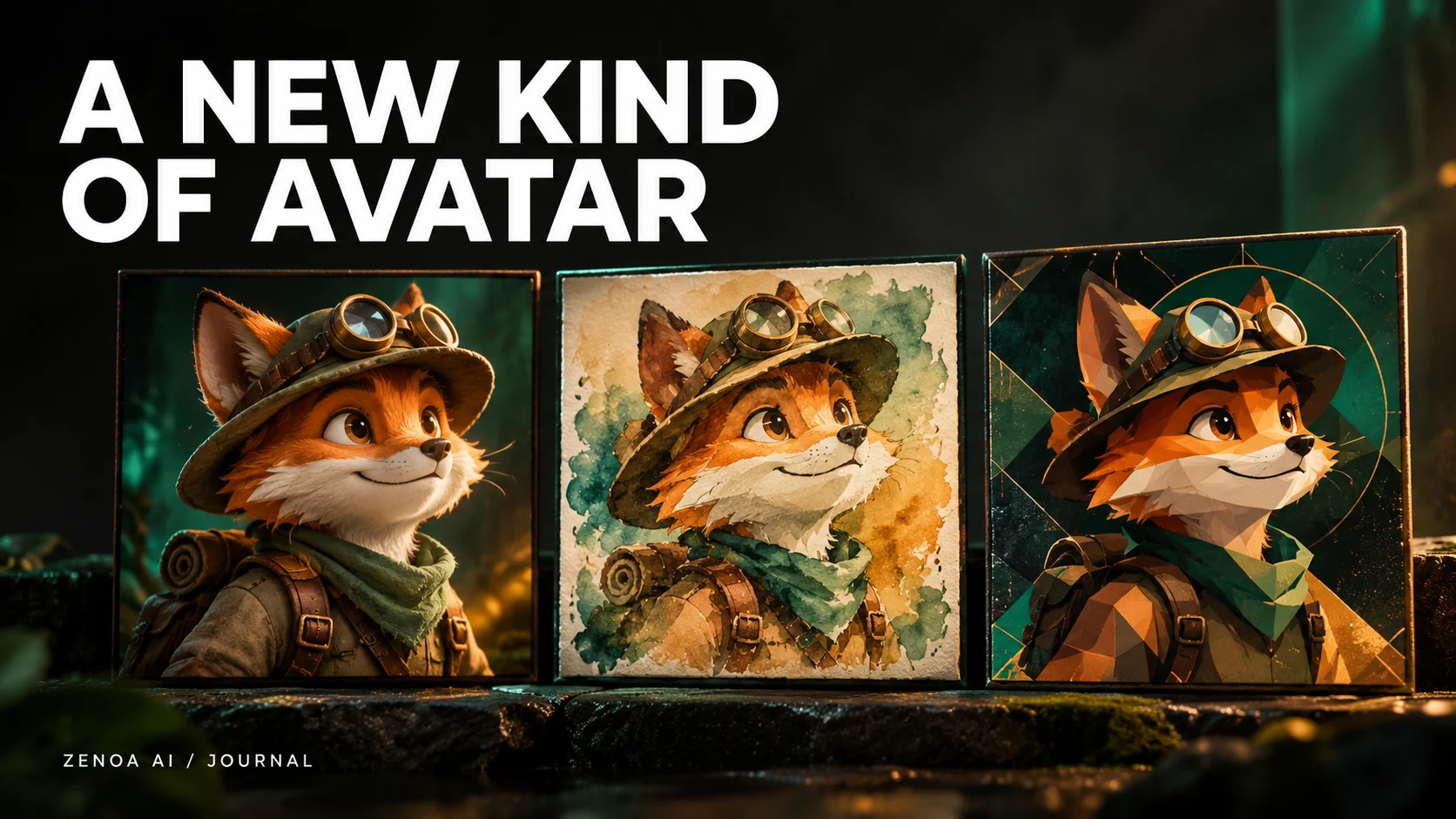
Design AI avatars that survive circular crops. Learn framing, style choices, and prompts for original profile pictures.
Sumit Singh RathoreUpdated 3 min read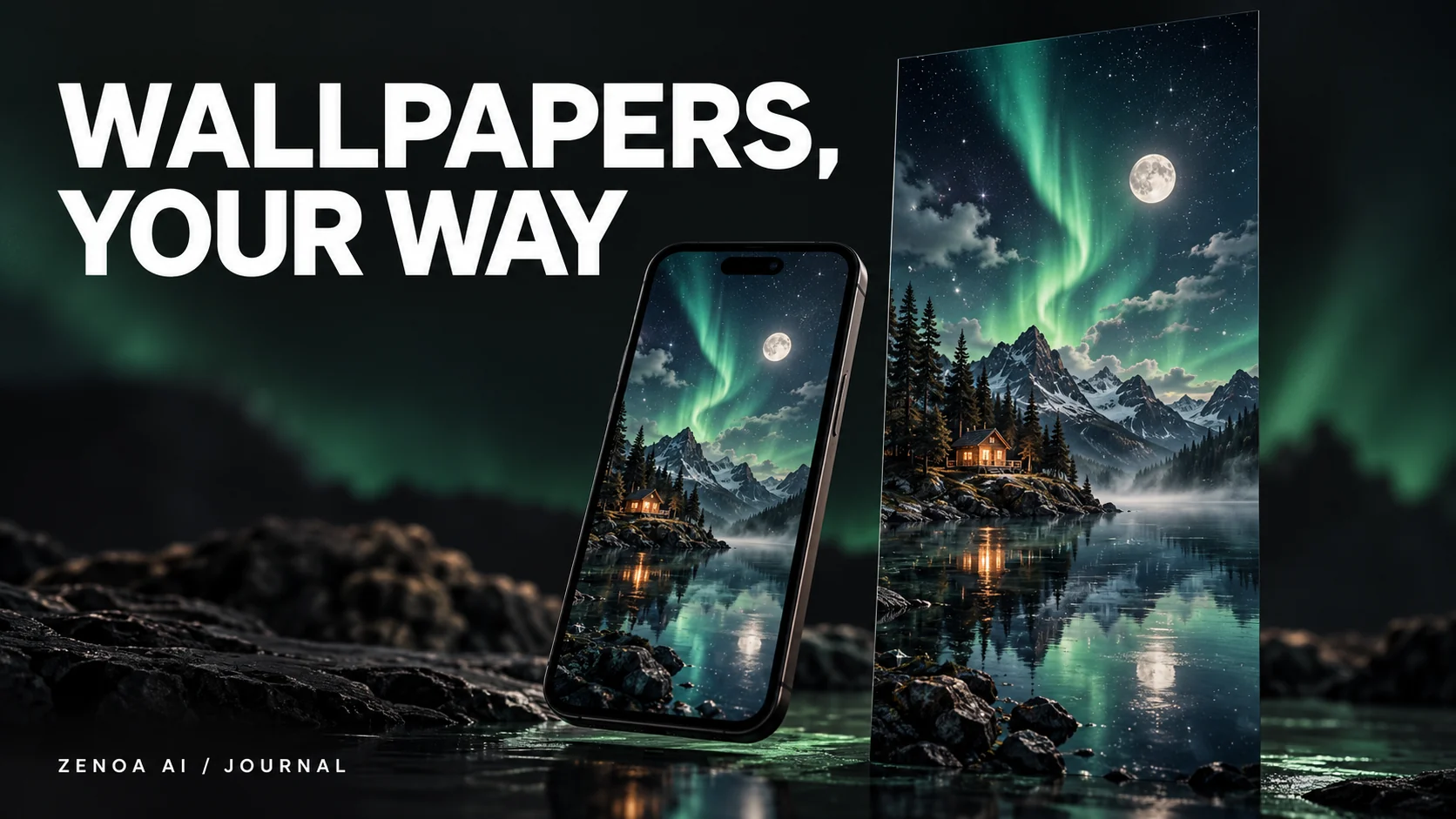
Create AI phone wallpapers with space for clocks and icons. Use portrait prompts, test the crop, and avoid busy backgrounds.
Sumit Singh RathoreUpdated 3 min read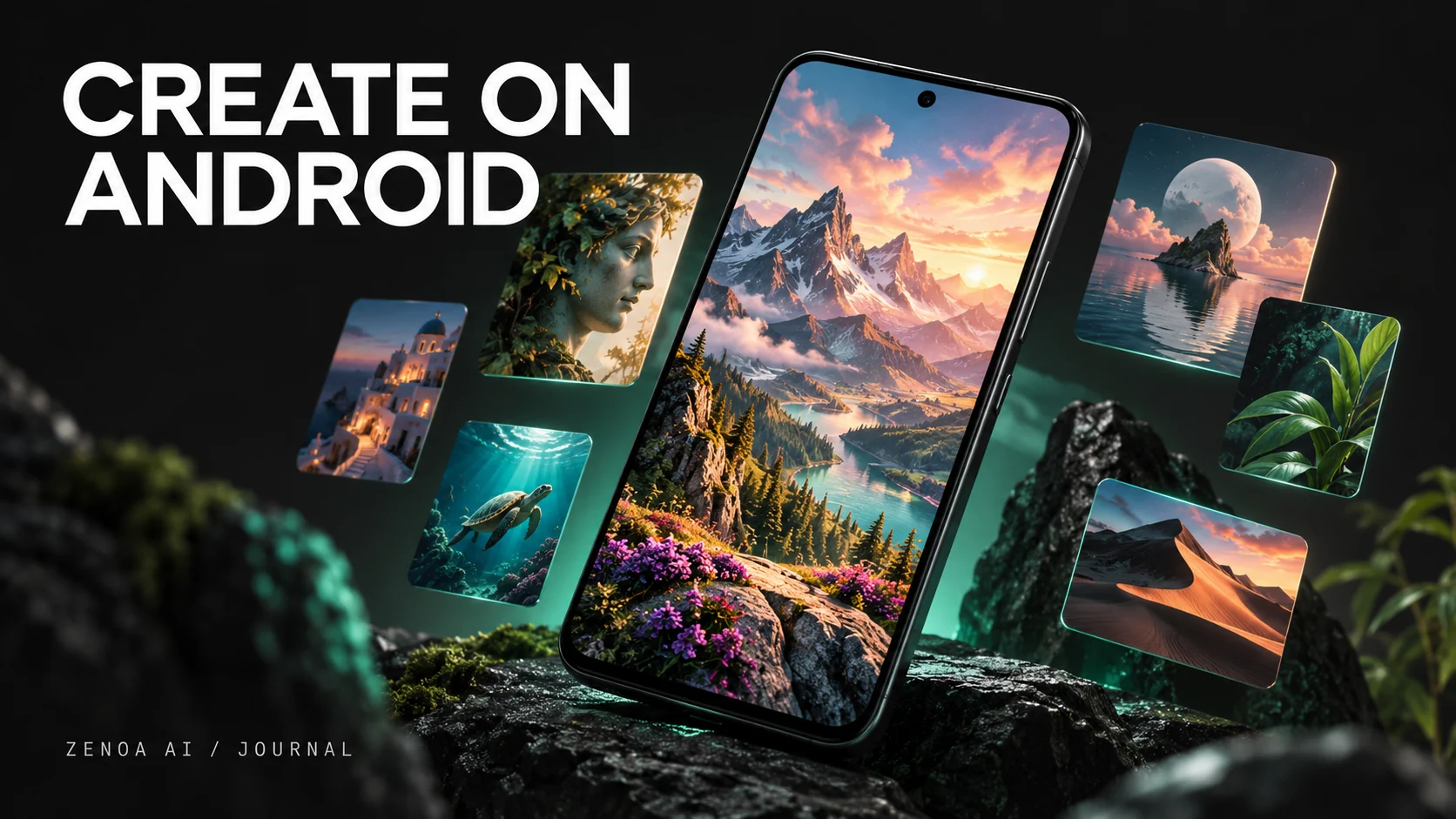
A practical guide to the best AI art apps for Android, with what each does well, where it falls short, and tips for getting great results on your phone.
Sumit Singh RathoreUpdated 4 min read
An honest comparison of seven popular AI image generators, from free mobile apps to professional tools, with who each one is best for and what to watch out for.
Sumit Singh RathoreUpdated 5 min read
A step-by-step beginner guide to Zenoa AI: sign in, write your first prompt, pick a style, adjust options and save, share or remix your results.
Sumit Singh RathoreUpdated 3 min read