Cinematic Lighting for AI Images: Prompts and Examples
Use golden hour, soft window light, rim lighting, and neon contrast in AI prompts. Learn how light changes the same subject.
 Sumit Singh RathoreUpdated 3 min read
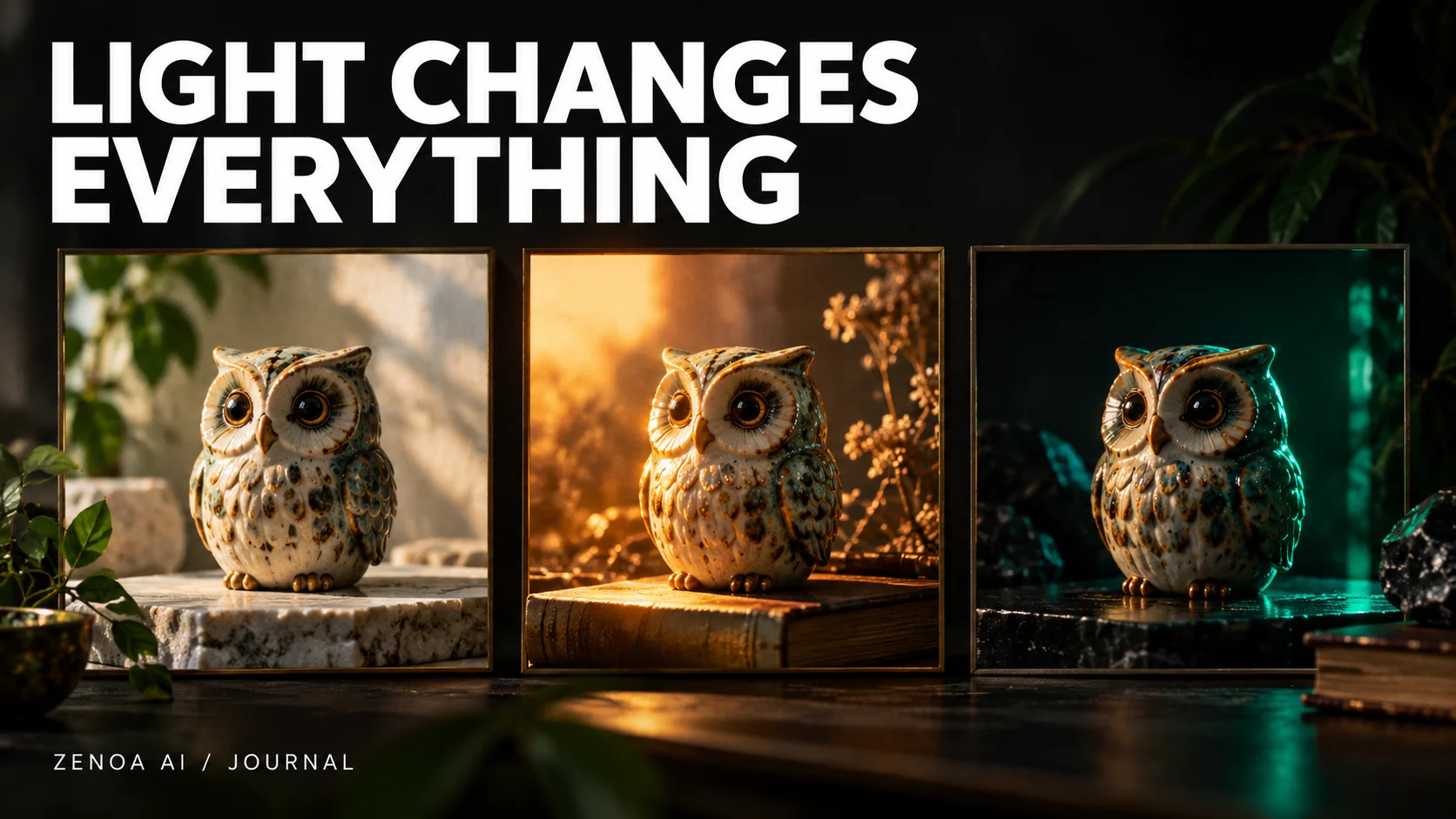
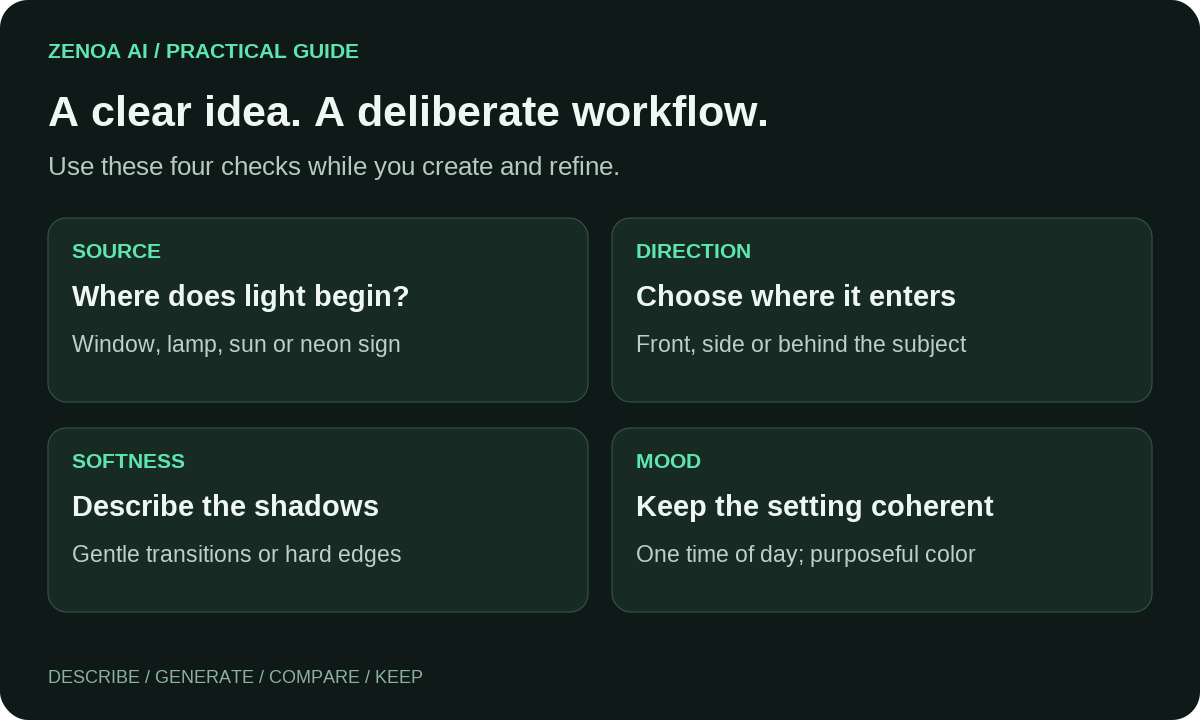
To improve lighting in an AI image, describe the light source, its direction, and the mood you want. “Warm window light from the left” gives clearer instructions than “beautiful cinematic lighting.” Start with one main source and keep the subject unchanged while you compare results.
What does cinematic lighting mean in a prompt?
“Cinematic” is a broad mood cue. It does not specify where the light comes from or how deep the shadows should be. Give it concrete support: a streetlamp behind the subject, late sunlight entering a window, or a cool edge light against a dark background.
You do not need camera equipment vocabulary to make that useful. Think about what should be brightest and what can stay in shadow. The brightest region often becomes a focal point, so place it deliberately.
Four lighting directions to try
| Direction | Prompt language | Useful effect |
|---|---|---|
| Soft daylight | Large window, diffused light, gentle shadows | Calm material and surface studies |
| Golden hour | Low warm sunlight, long soft shadows | Warm outdoor atmosphere |
| Rim lighting | Light behind the subject, illuminated outline | Separation from a dark background |
| Neon contrast | Cool teal light and warm amber accents | Stylized night scenes |
These phrases guide an interpretation. They do not control a physical lighting rig or guarantee photographic accuracy.
A controlled lighting experiment
Keep this subject fixed:
A small ceramic owl on a plain wooden table, centered composition, simple background
First add “soft window light from the left, pale gray background, gentle shadows.” Next try “warm low evening sunlight, long shadows on the table, amber atmosphere.” Finally try “dark background, subtle teal rim light from behind, warm soft key light on the face.”
Compare the owl's silhouette, the shadow direction and the visible surface texture. The point is to learn which lighting instructions affect your chosen generator, not to pick the most dramatic image every time.
Why does the light look confused?
Multiple strong sources can create competing shadows or a scene where every edge glows. Remove one source and regenerate. If the subject merges into the background, request more tonal separation or a restrained edge light rather than making the whole scene brighter.
Avoid adding every lighting adjective you know. “Soft noon light, midnight, sunset, neon studio” describes several incompatible situations. Keep one time of day and make additional sources belong to that setting.
Use lighting to support the story
For a cozy reading nook, let the lamp explain the warm glow and the rainy window explain the cool surroundings. For an outdoor portrait, decide whether the sun is in front, beside or behind the subject. Color palette choices can reinforce that decision without adding more objects.
Save the successful lighting phrase separately from the subject. You can reuse “soft side window light, gentle shadows, quiet neutral background” on a cup, a vase or a character while preserving a recognizable atmosphere.
Frequently asked questions
What should I write instead of just cinematic lighting?
Name a source and direction, such as warm window light from the left, then describe the shadow softness and mood.
What is rim lighting in an AI prompt?
Rim lighting describes a bright outline along the subject created by light from behind or the side. It can help separate a subject from a dark background.
Why are there too many shadows in my AI image?
The prompt may suggest competing light sources, or the model may render them inconsistently. Simplify to one main source and compare another generation.