How to Create Eye-Catching Thumbnails and Social Posts with AI (No Design Skills)
Skip stock photos and expensive designers. Learn a simple workflow to make scroll-stopping thumbnails, Instagram posts and Stories with an AI image generator.
 Sumit Singh Rathore2 min read
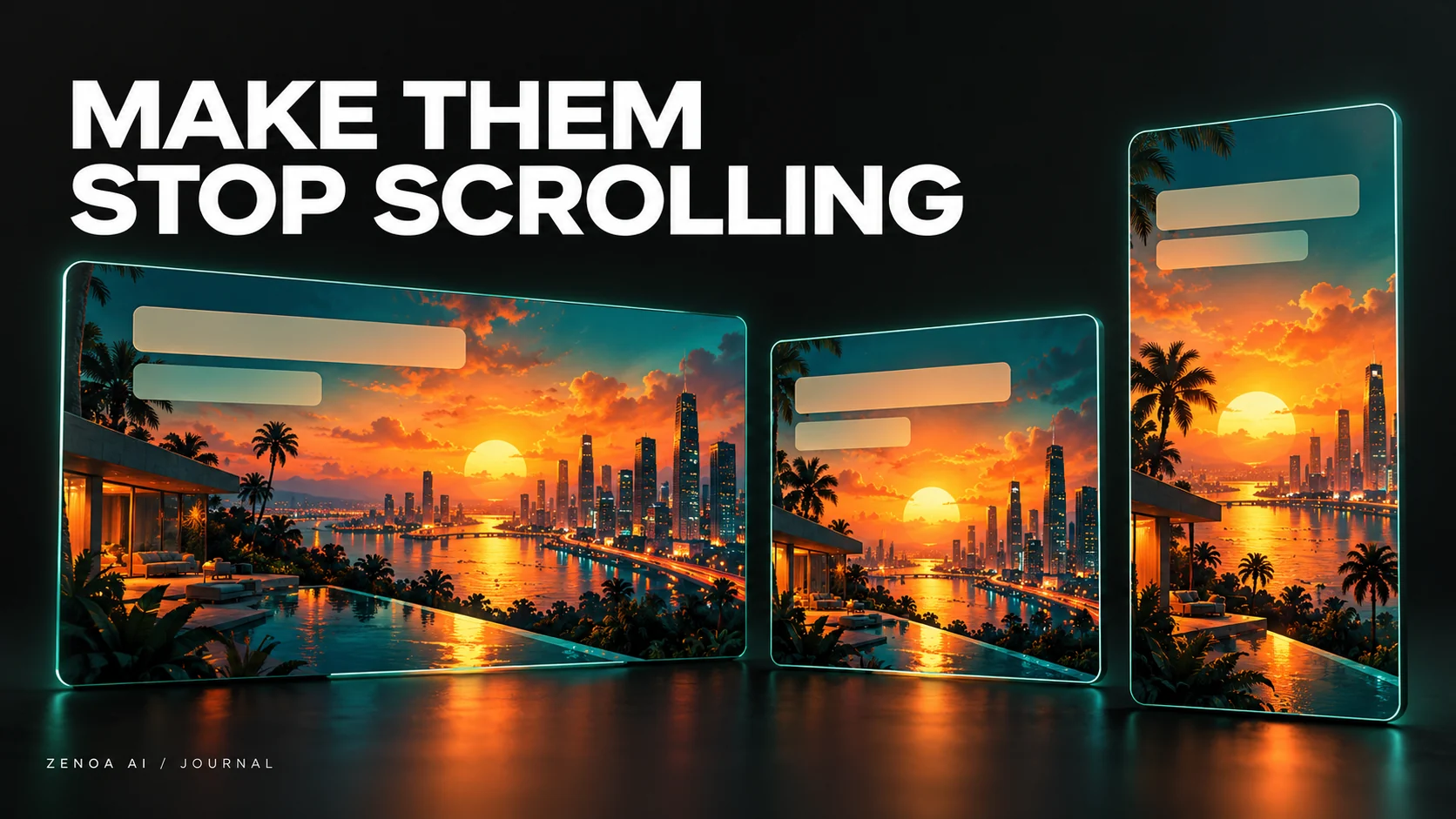
Great visuals decide whether people stop scrolling or keep going. The good news is you no longer need a design team, a camera or a stock subscription to make them. Here is a practical workflow creators use to produce thumbnails and social posts with AI.
Step 1: Pick the right format first
Choosing the correct aspect ratio avoids cropping later:
- YouTube thumbnail - 16:9
- Instagram post - 1:1 or 4:5
- Stories, Reels, Shorts - 9:16
- Pinterest - 2:3
Step 2: Generate a background, not the whole design
AI is best at striking backgrounds and hero visuals. Leave room for text, then add your headline in any editing app. Prompt for the empty space directly:
dramatic sunset city skyline, bold orange and teal colors, cinematic lighting, empty space on the left for text
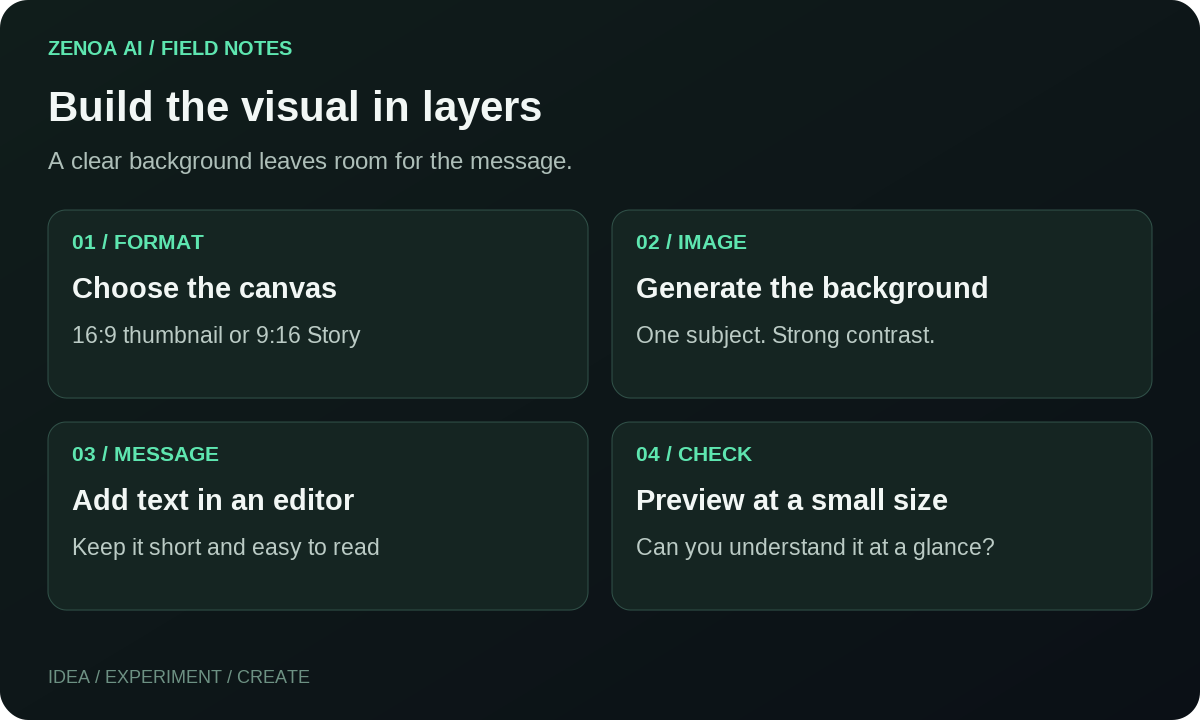
Step 3: Use high-contrast, simple scenes
Thumbnails are viewed tiny. Pick strong contrast, one clear subject and a limited color palette. Avoid busy detail that disappears at small sizes.
Step 4: Keep a consistent style
A recognizable look builds a brand. Choose one art style, such as cinematic or flat vector, and reuse similar wording in every prompt so your feed feels cohesive.
Step 5: Generate variants and test
Make several variants and pick the most striking. If your platform allows, test two thumbnails and keep the winner.
Prompt ideas by niche
- Tech reviews - sleek futuristic desk setup, neon accent lighting, dark background
- Travel - dreamy mountain valley at sunrise, vibrant colors, wide shot
- Food - rustic table of fresh pasta, warm natural light, overhead shot
- Gaming - epic fantasy battle scene, dramatic lighting, vivid colors
- Finance and business - clean abstract gradient with subtle growth chart shapes, professional
Checklist before you publish
- Correct aspect ratio
- Space left for text
- High contrast and one clear subject
- Matches your usual style
- You are allowed to use it for your purpose (check the app's terms)
Ready to build your first set? Get Zenoa AI free and generate backgrounds in your brand style in seconds.