How to Write AI Image Prompts That Actually Work (With Examples)
A practical, step-by-step formula for writing text-to-image prompts, with before-and-after examples you can copy into any AI image generator.
 Sumit Singh Rathore4 min read
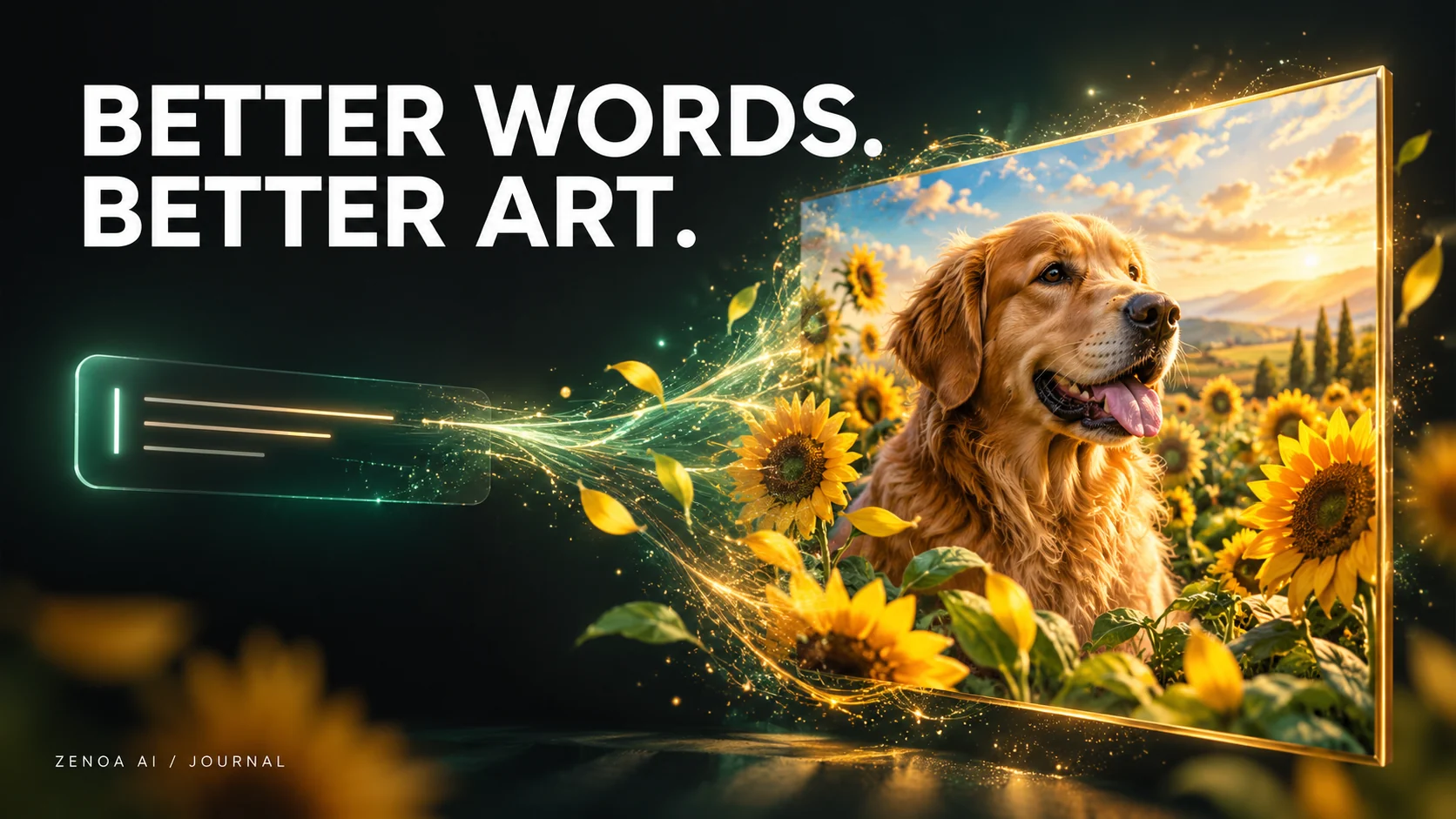
The difference between a forgettable AI image and a stunning one is almost always the prompt. A text-to-image model can only work with the words you give it, so vague input produces generic output. This guide gives you a simple, repeatable formula for writing better prompts, plus examples you can try right away.
The 5-part prompt formula
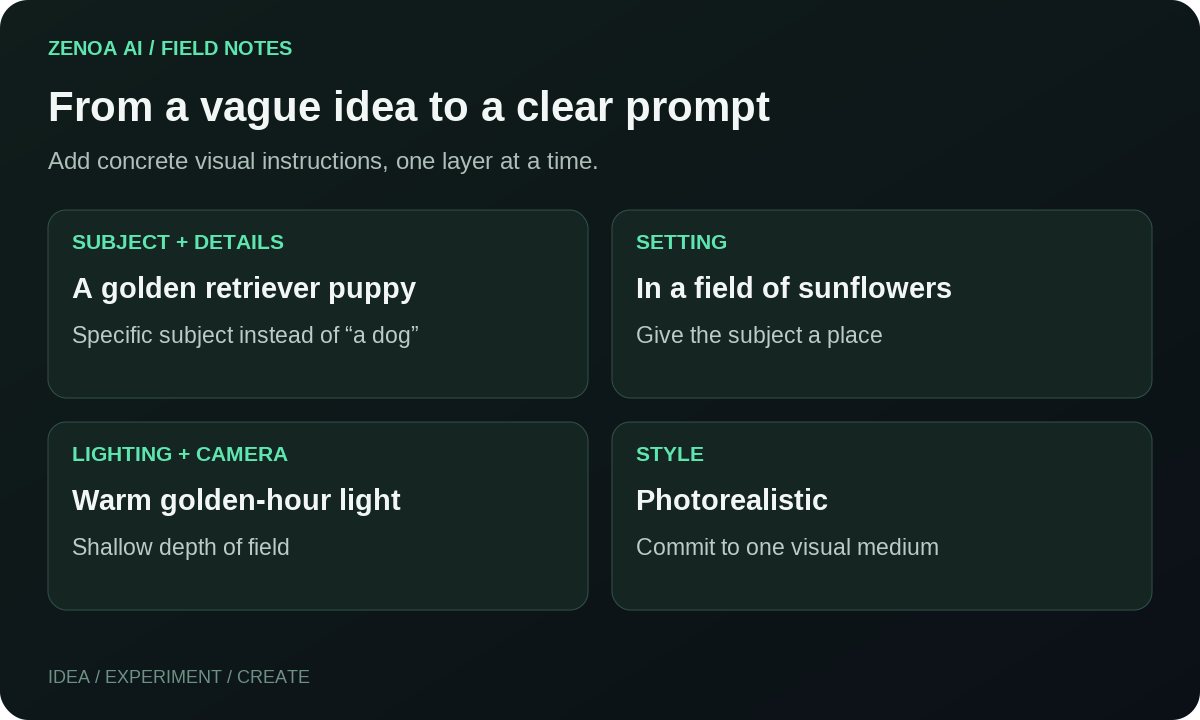
Strong prompts usually answer five questions, in roughly this order:
- Subject - What is the main thing in the image?
- Details - What is it doing, wearing, or surrounded by?
- Setting and mood - Where is it, and what does it feel like?
- Lighting and camera - How is it lit and framed?
- Style - What medium or art style should it use?
Put together: subject + details + setting + lighting + style.
Before and after
| Weak prompt | Stronger prompt |
|---|---|
| a dog | a golden retriever puppy sitting in a field of sunflowers, warm golden-hour light, shallow depth of field, photorealistic |
| a city | a rain-soaked cyberpunk street at night, glowing neon signs reflected in puddles, crowds with umbrellas, cinematic wide shot |
| a castle | a fairytale castle on a cliff above the clouds, soft morning mist, painted in the style of a storybook illustration |
Notice what changed: every strong prompt names a specific subject, adds visual detail, and commits to a style.
Tips that make a real difference
Be specific, not long
More words do not automatically mean better results. Choose concrete nouns and vivid adjectives over filler. "Weathered leather armchair" beats "nice old chair".
Name the lighting
Lighting changes the whole mood. Try golden hour, soft studio light, dramatic rim light, moody low-key lighting, or overcast diffused light.
Control the camera
Borrow photography terms: close-up portrait, wide-angle, aerial view, macro, low angle, 85mm lens.
Commit to one style
Mixing five art styles usually muddies the result. Pick one, such as watercolor, anime, oil painting or 3D render, and let it lead.
Use a negative prompt when you need it
If your tool supports negative prompts, list what you do not want, for example blurry, extra fingers, distorted text, low quality.
A reusable template
Copy this and fill in the blanks:
[subject] [doing what], [key details], in [setting], [lighting], [camera or framing], [art style]
For example: "an elderly fisherman mending a net, weathered hands and deep wrinkles, on a misty wooden pier at dawn, soft diffused light, close-up portrait, photorealistic".
Common mistakes to avoid
- Too vague - "something cool" gives the model nothing to work with.
- Contradictions - "photorealistic anime watercolor" fights itself.
- Overloading - ten subjects in one image rarely works. Generate separately and combine later.
- Expecting readable text - AI models still struggle with long text inside images.
Practice loop
- Write a prompt with the formula.
- Generate several variants at once.
- Pick the best, then tweak a single element.
- Save the prompts that work so you can reuse and remix them.
Want to try these prompts right now? Get Zenoa AI free on Google Play and test any example above in your preferred art style.
FAQ
How long should an AI image prompt be? Most good prompts fall between 15 and 50 words. Focus on specificity rather than length.
Do the same prompts work in every AI image generator? The core formula carries over, but each model responds a little differently, so expect to adjust wording.
What are the best words to add for quality? Concrete descriptors of lighting, lens and medium help more than generic words like "beautiful" or "4k".