How Text-to-Image AI Works: A Simple Explanation for Beginners
Curious how typing a sentence creates a picture? A plain-English guide to text-to-image AI, diffusion models, and what they can and cannot do.
 Sumit Singh Rathore3 min read
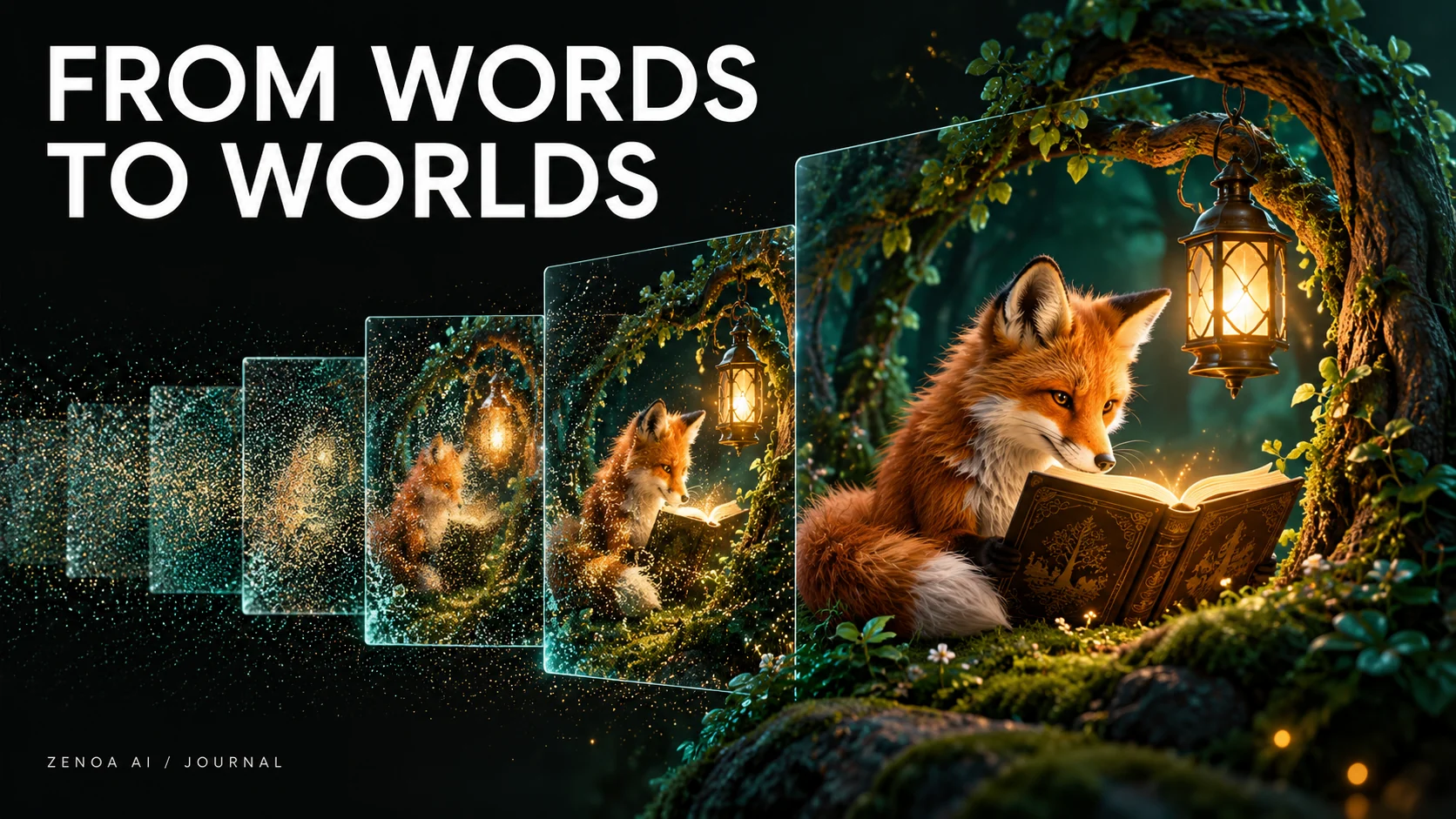
Type "a fox reading a book under a lantern" and a few seconds later a picture appears. It feels like magic, but there is a clear idea behind it. This article explains text-to-image AI without the jargon.
The short version
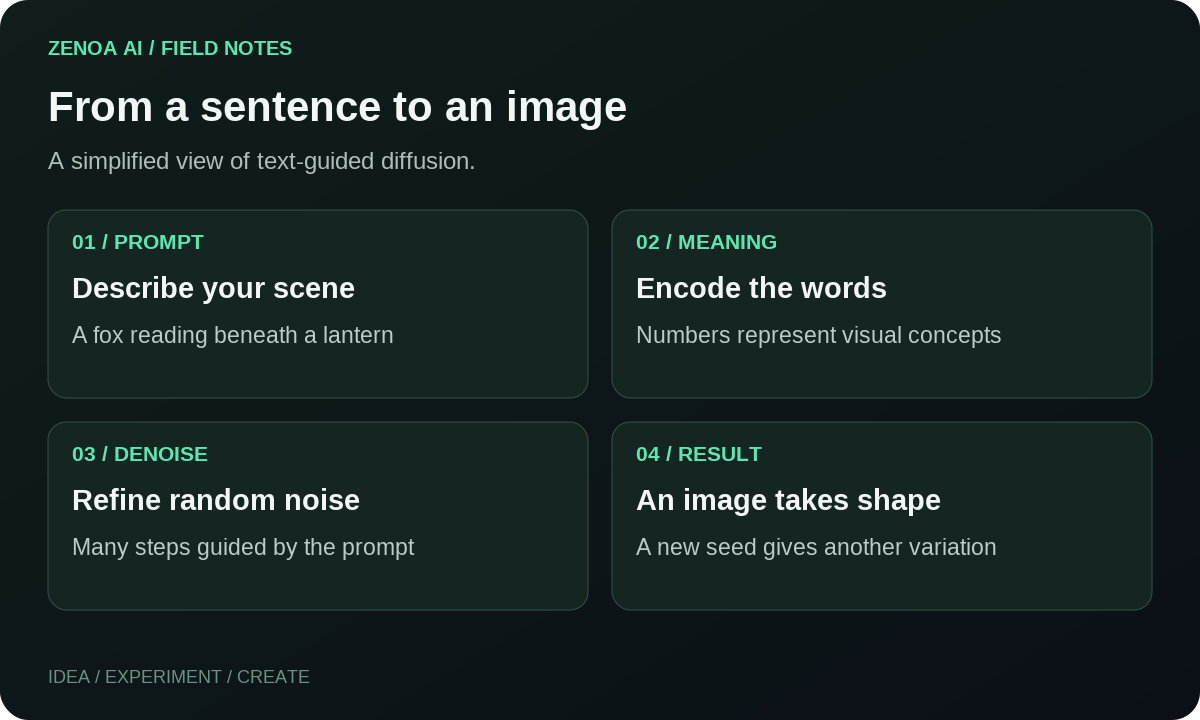
A text-to-image model has learned the relationship between words and visual patterns by studying a very large number of image and caption pairs. When you give it a new prompt, it uses that learned relationship to build an image that matches your words.
Step 1: Understanding your words
Your prompt is first converted into numbers that capture meaning. "Golden retriever" and "puppy" end up close together, while "golden retriever" and "skyscraper" sit far apart. This lets the model understand what you are asking for, not just match letters.
Step 2: Starting from noise
Most modern image generators use a technique called diffusion. Generation starts with an image that is pure random noise, like television static.
Step 3: Removing noise, guided by your prompt
Over many small steps, the model removes a little noise at a time. At every step it asks, "which changes make this look more like the prompt?" Gradually, shapes, colors and details emerge. After enough steps, the static has become a finished image.
Why the same prompt gives different results
The starting noise is random, so each run begins from a different place. That is why generating multiple variants is so useful: you get several valid interpretations of one idea and can pick your favorite.
What AI image generators do well
- Turning descriptive ideas into concepts quickly
- Exploring many art styles from one prompt
- Producing backgrounds, illustrations, mood boards and thumbnails
- Letting non-artists visualize what they imagine
Where they still struggle
- Readable text inside images is often garbled.
- Hands and fine anatomy can look off.
- Precise counting such as "exactly seven apples" is unreliable.
- Very complex scenes with many interacting subjects can lose coherence.
Is it "real" creativity?
The tool does not replace your intent. You decide the idea, the style and which result is worth keeping. Think of it as a very fast collaborator that turns words into drafts.
Try it yourself
The best way to understand it is to experiment. Download Zenoa AI free, type a sentence, and compare a few art styles side by side.
FAQ
Does the AI copy existing images? It learns general patterns rather than storing and pasting pictures, and outputs are newly generated. Policies and laws about training data are still evolving.
Why does generation need internet? The heavy computation runs on servers, which keeps results high quality without draining your phone.