7 Best AI Image Generators in 2026: Compared by Use Case
An honest comparison of seven popular AI image generators, from free mobile apps to professional tools, with who each one is best for and what to watch out for.
 Sumit Singh RathoreUpdated 5 min read
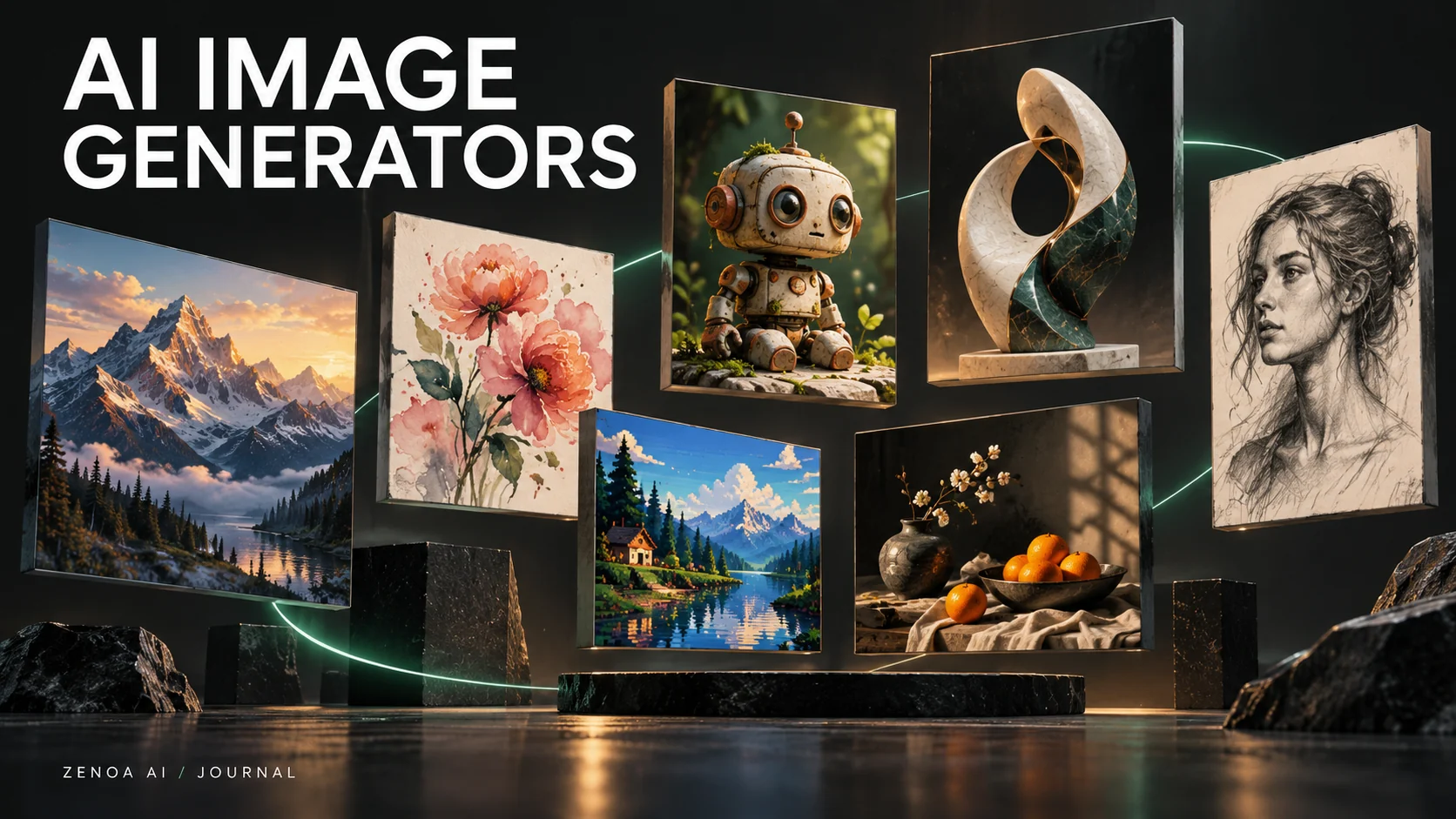
There are more AI image generators than ever, and the right one depends on what you want to make, where you want to make it, and how much you want to spend. This guide compares seven popular options by use case so you can pick quickly.
How we compared them
- Ease of use - how fast a beginner gets a good result
- Output quality - detail, coherence and style range
- Cost - what the free tier really includes
- Platform - mobile, web, desktop or inside another app
- Community - ways to learn from and share with others
Quick comparison
| Tool | Best for | Platform | Free option |
|---|---|---|---|
| Zenoa AI | Beginners and mobile creators | Android | Yes, with plan-based limits |
| Midjourney | Artistic, highly stylized work | Web and Discord | Check current plans |
| DALL-E (via ChatGPT) | Conversational prompting | Web and app | Limited, plan dependent |
| Stable Diffusion | Maximum control and customization | Local or hosted | Free to self-host |
| Adobe Firefly | Designers in the Adobe ecosystem | Web and Adobe apps | Limited credits |
| Leonardo AI | Balanced features and control | Web | Daily credits |
| Canva AI | Quick social graphics | Web and app | Limited |
1. Zenoa AI
A mobile-first image generator built around simplicity. Describe an idea, pick from 56+ art styles, choose an aspect ratio and generate. Everything you make lives in your own library, and you can browse and remix public creations from the community.
Strengths
- Clean interface designed for phones
- Wide range of one-tap art styles, from photorealistic to anime
- Watermark-free downloads
- Sign in with Google, no separate account to manage
- Community feed with likes, comments and remixing
Limits
- Android only for now
- Generation quota depends on your plan, and private images are a paid feature
Best for: beginners, students and mobile-first creators who want results fast.
2. Midjourney
Known for rich, painterly and cinematic results, with a strong community and rapid model updates.
Strengths: artistic quality, strong prompt understanding, active community. Watch out for: a paid plan is typically needed, and the workflow can feel less intuitive to newcomers. Best for: designers and hobbyists chasing a distinctive, polished look.
3. DALL-E (through ChatGPT)
Image generation inside a chat interface, so you can describe an image and then refine it in plain conversation.
Strengths: natural-language editing, good instruction following, handles some text in images better than many rivals. Watch out for: access and daily limits depend on your ChatGPT plan, and content filters can be strict. Best for: people who already use ChatGPT and want images as part of the same workflow.
4. Stable Diffusion
An open-source family of models you can run yourself or use through many hosted services.
Strengths: flexible, customizable, huge ecosystem of community models and fine-tunes. Watch out for: local setup needs a capable GPU and technical comfort, and quality varies by model. Best for: technical users who want full control.
5. Adobe Firefly
Generative tools integrated into Adobe's creative apps, with an emphasis on commercially safe workflows.
Strengths: deep Photoshop and Illustrator integration, clear licensing story, strong for editing and extending existing images. Watch out for: best value if you already pay for Adobe. Best for: professional designers and agencies.
6. Leonardo AI
A web platform with multiple models, fine control and a credit-based free tier.
Strengths: good balance of power and usability, model choice, asset-focused features. Watch out for: credits run out quickly under heavy use. Best for: users who want more control than a basic app without the setup of Stable Diffusion.
7. Canva AI
Image generation built into a design tool you may already use for posts, slides and posters.
Strengths: very easy, great for layouts and social content, templates built in. Watch out for: less stylistic range and control than dedicated generators. Best for: small businesses and social media managers.
Which should you choose?
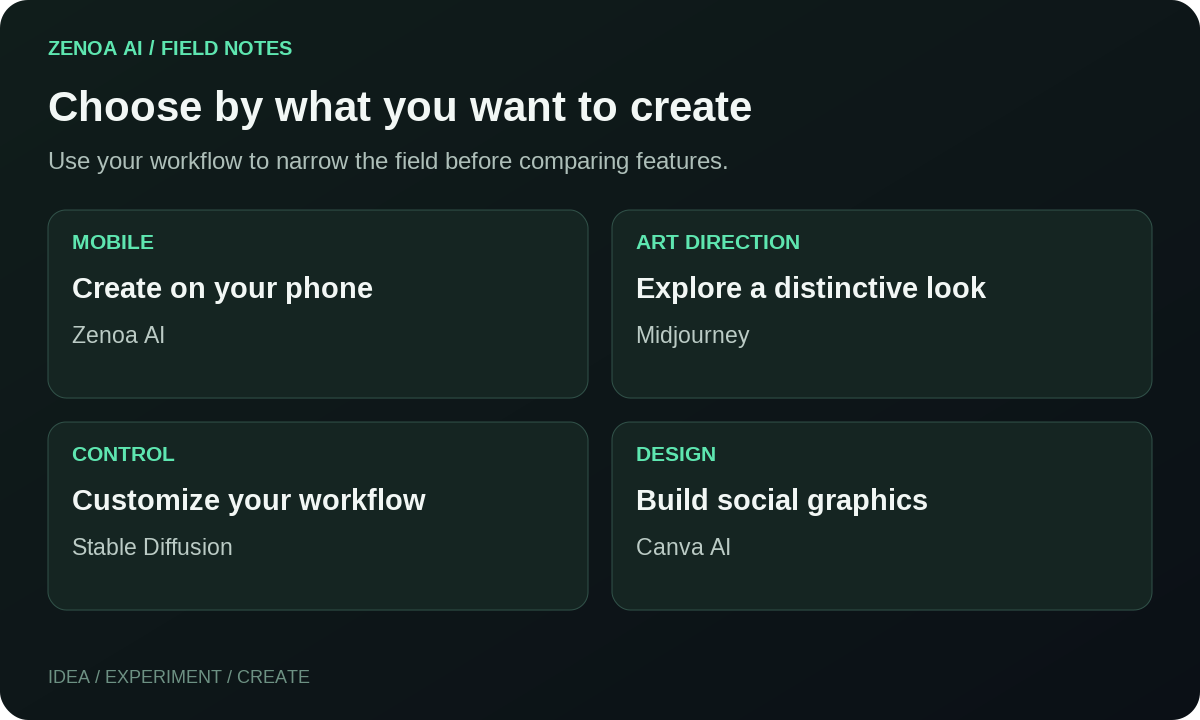
- Just starting out, on Android: Zenoa AI
- Want a distinctive artistic look: Midjourney
- Already chatting with ChatGPT: DALL-E
- Want total control: Stable Diffusion
- Work in Adobe apps: Firefly
- Need quick social graphics: Canva AI
Tips that work in any generator
- Name the subject, setting, lighting and style.
- Generate several variants, then refine the best one.
- Change one element at a time so you learn what each word does.
- Save prompts that work.
New to prompting? Read our guide on how to write AI image prompts.
FAQ
What is the best free AI image generator? It depends on your device and needs. Several tools offer a free tier with limits, so try two or three and keep the one that fits your workflow.
Can I use AI-generated images commercially? Terms differ by tool and plan, so read the license of the generator you use.
Do I need a powerful computer? Not for hosted tools and mobile apps. Only self-hosting models like Stable Diffusion needs a strong GPU.