Best AI Image Generator Apps for Android in 2026
A practical guide to the best AI art apps for Android, with what each does well, where it falls short, and tips for getting great results on your phone.
 Sumit Singh RathoreUpdated 4 min read
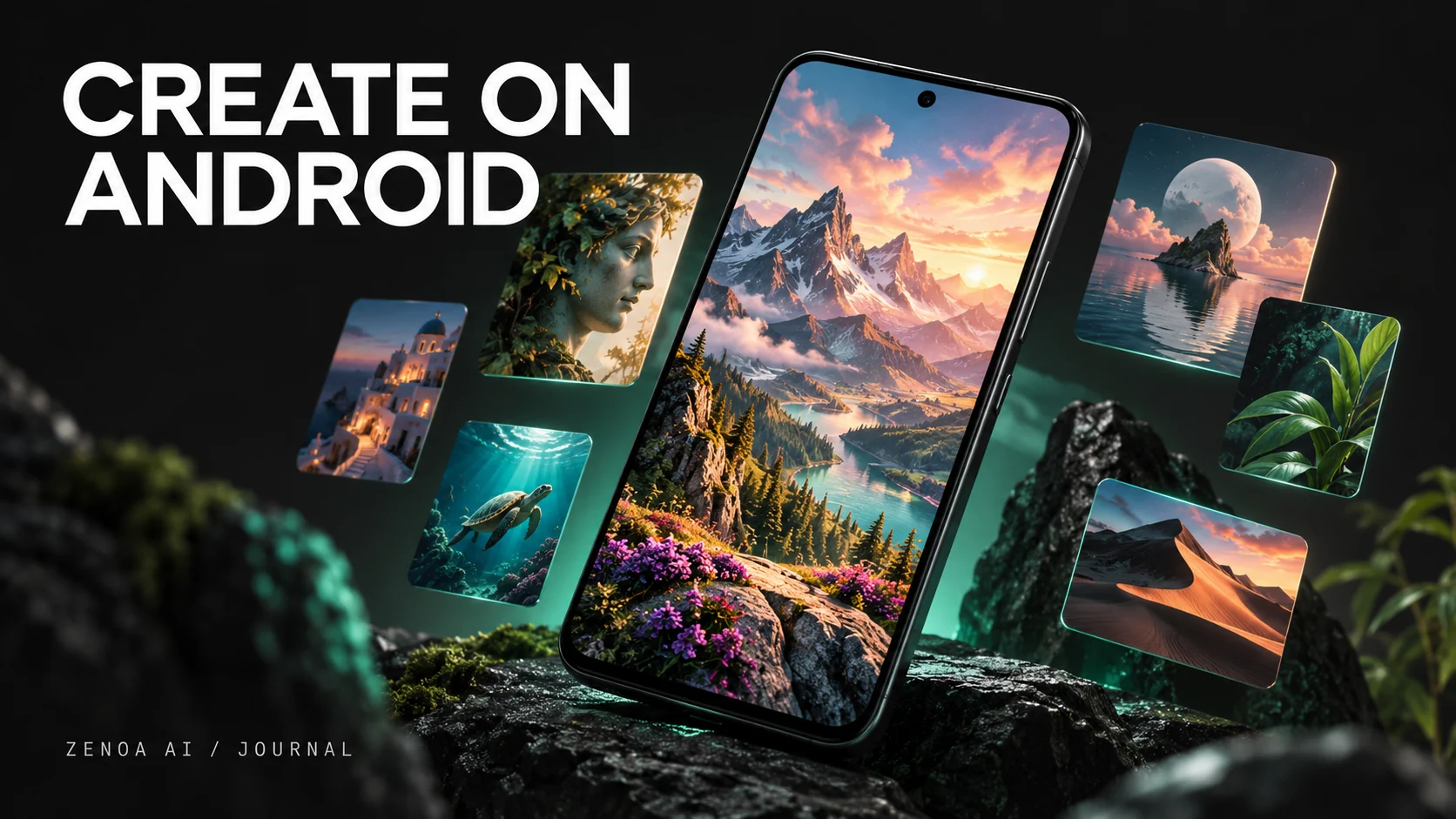
Creating AI art on your phone is now genuinely good. Whether you want a custom wallpaper, a profile picture or a quick concept sketch, there is an Android app for it. Here is a practical look at the options and how to choose.
What to look for in a mobile AI art app
- A phone-friendly interface with big touch targets and a simple prompt box
- Fast, reliable generation with clear progress
- A usable free tier so you can try before paying
- Style variety so one idea can look many ways
- Clean exports without intrusive watermarks
- Privacy controls over what you share
Quick comparison
| App | Best for | Notes |
|---|---|---|
| Zenoa AI | Beginners, wallpapers, avatars | Style presets, community remixing, Google sign-in |
| Dream by WOMBO | Quick stylized art for social media | Very simple, limited free use |
| StarryAI | Credit-based variety | Multiple models, community features |
| Canva | Complete graphics and posts | AI inside a full design tool |
| NightCafe | Advanced users | Many algorithms, large community |
| Artbreeder | Blending and evolving images | Collaborative approach |
| Lensa | Portrait-style avatars | Focused on portraits |
1. Zenoa AI
Built for phones from the start. Type an idea, choose from 56+ art styles, set the aspect ratio and generate. Your images are saved to your library, and you can explore, like, comment on and remix what other creators share.
Why it stands out
- Simple flow that does not overwhelm beginners
- Lots of one-tap styles
- Download without watermarks
- Advanced options such as aspect ratio are remembered between sessions
- Community remixing helps you learn good prompts
Keep in mind: generation quota depends on your plan, and private images are a paid option.
2. Dream by WOMBO
A popular app for fast, stylized images that are easy to share. It is very approachable, though free use is limited and complex prompts can be hit-or-miss.
3. StarryAI
Offers a credit system and multiple models. A good middle ground between a basic app and a full creative suite, with the usual trade-off that credits run out.
4. Canva
If you already design in Canva, its AI image tools are convenient for posts, slides and marketing material. It is a design tool first, so artistic range is narrower than dedicated generators.
5. NightCafe
Feature-rich with many algorithms and an active community. Great for experienced users, but the interface can feel busy on a small screen.
6. Artbreeder
A different idea: blend and evolve images rather than only prompting. Fun for experimentation, with a learning curve.
7. Lensa
Focused on portrait-style avatars. Good at that specific job, less so for general art.
Which one should you pick?
- First AI art app: Zenoa AI
- Social media sharing: Dream by WOMBO
- Design plus AI: Canva
- Power user: NightCafe
- Experimenting with blending: Artbreeder
Tips for better results on a phone
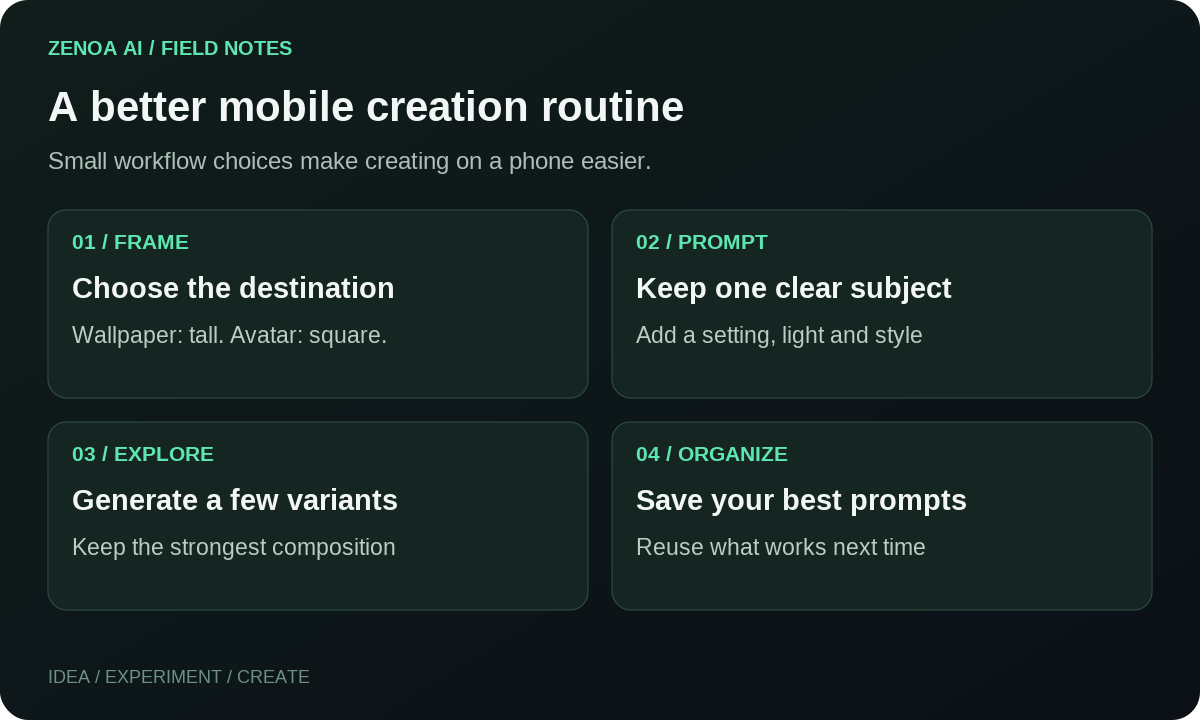
- Keep prompts focused. One subject, one style, a few strong details.
- Use voice typing for longer prompts.
- Pick the aspect ratio first. Use 9:16 for wallpapers and 1:1 for avatars. See our aspect ratio guide.
- Generate variants and keep the best.
- Save prompts that work so you can reuse them.
Need prompt ideas? Try our 25 copy-and-paste AI art prompts.
Storage, data and battery
Generation runs on servers, so your phone is not doing the heavy lifting. You do still need a stable connection, and saved images add up, so clear out old ones occasionally.
FAQ
Is there a good free AI image generator app for Android? Several apps offer free tiers with limits. Zenoa AI lets you start free by signing in with Google.
Do these apps work offline? Most do not, because generation happens on remote servers.
Can I use the images commercially? Check the terms of the specific app and your plan.