How to Create a Consistent AI Image Series
Keep AI images visually connected with a reusable style brief, palette, framing rules, and a controlled variation workflow.
 Sumit Singh RathoreUpdated 3 min read
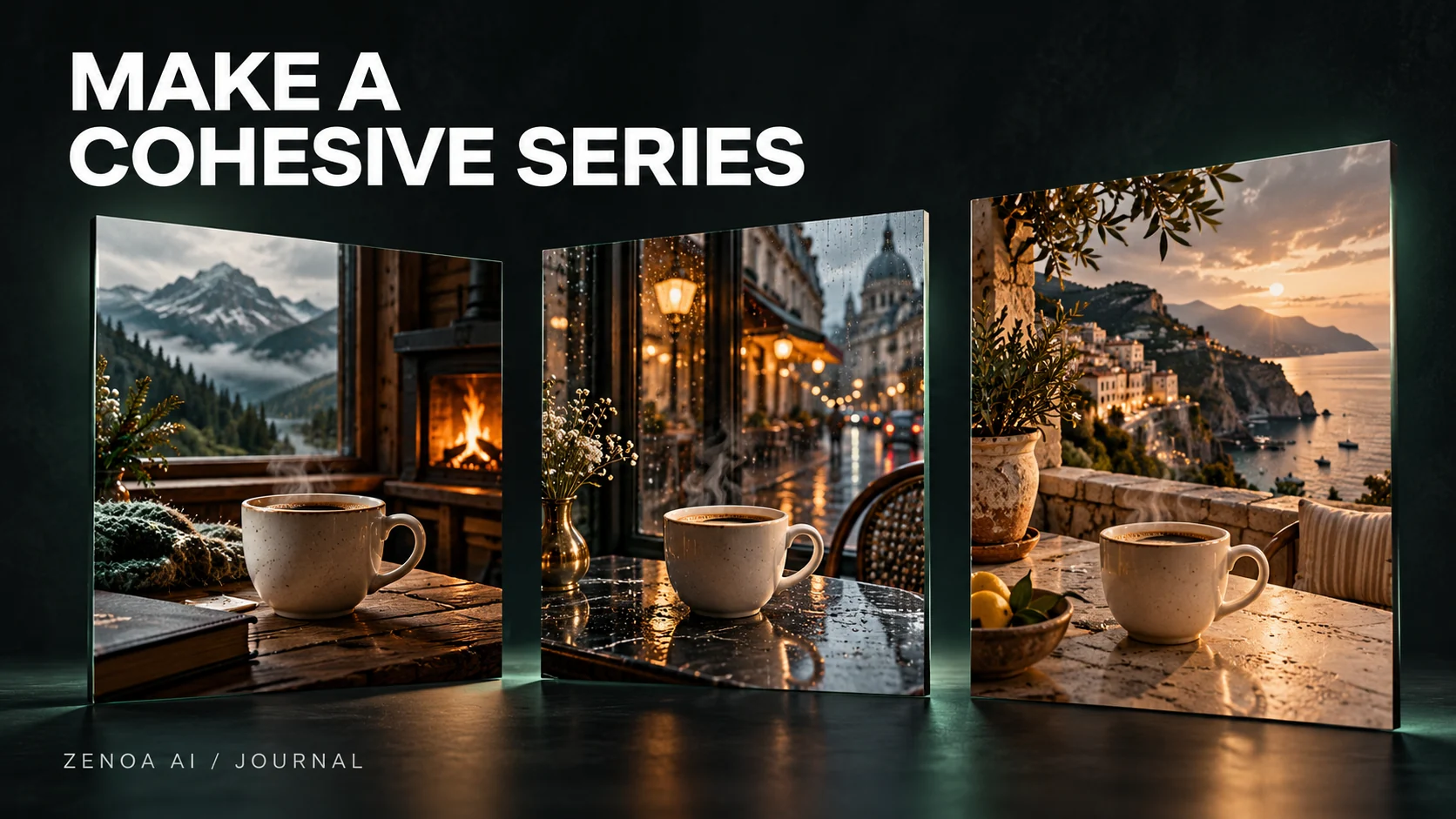
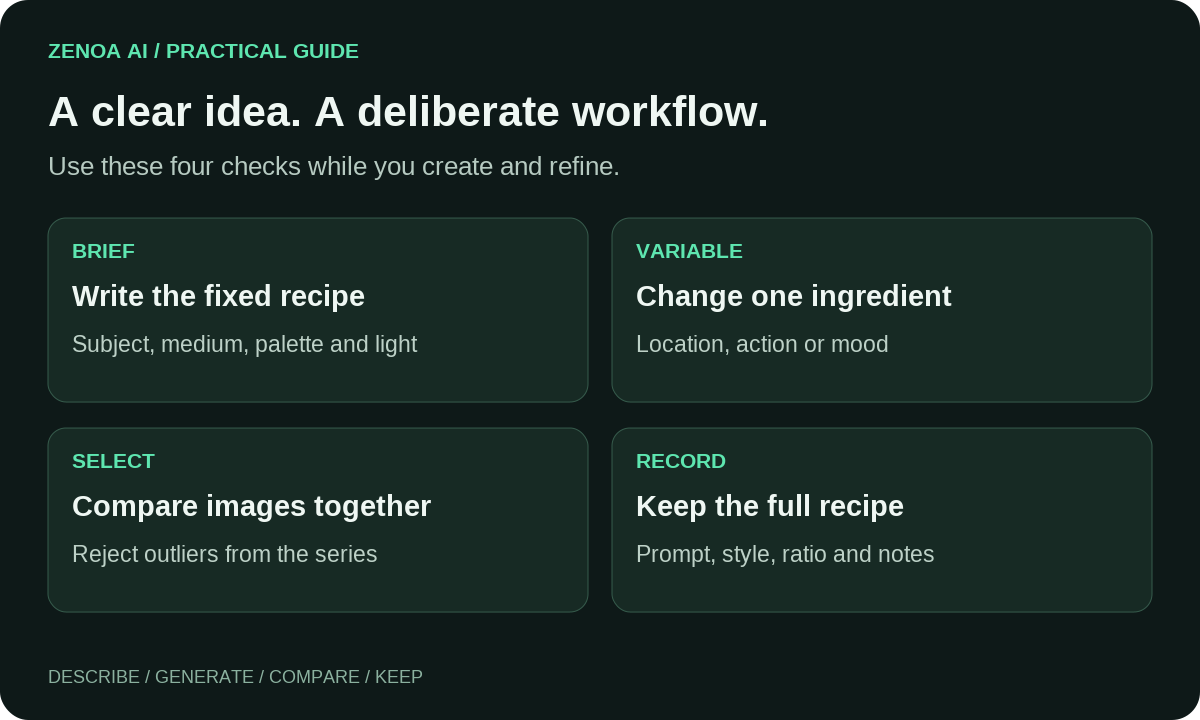
To create a cohesive AI image series, keep the visual brief fixed and change one content element at a time. Reuse the subject description, medium, palette, lighting and frame. Then compare the results side by side and remove images that break the pattern.
What does consistency mean here?
A series can share a mood and design language without depicting an identical object in every frame. Text prompting alone does not guarantee exact character identity, product geometry or camera placement. Treat consistency as a combination of clear instructions and editorial selection.
For example, a set of coffee scenes might keep a cream ceramic cup, amber side light and a muted teal background while changing the location. Small differences in cup shape may still appear. If exact geometry matters, use a real source asset and a suitable editing workflow.
Write a reusable visual brief
Record these decisions before generating:
| Keep fixed | Example |
|---|---|
| Subject description | Plain cream ceramic cup with a round handle |
| Medium | Cinematic editorial illustration |
| Palette | Muted teal, cream and small amber highlights |
| Lighting | Soft warm light from the left |
| Framing | Eye-level close view with space above |
| Shape | The same aspect ratio throughout |
Use this brief in each prompt. Do not rely on “same style as before” unless the tool explicitly supports the necessary image context.
Create three controlled variations
Start with:
A plain cream ceramic coffee cup with a round handle on a wooden table, soft warm light from the left, muted teal and amber palette, eye-level close view, space above, cinematic editorial illustration
Change only the setting:
- Add “inside a mountain cabin, distant peaks through the window.”
- Replace it with “in a rainy city cafe, soft street reflections beyond the glass.”
- Replace it with “on a sheltered coastal terrace, hazy sea in the background.”
Generate a small batch for each setting. A result that looks impressive alone may still fail the series if its camera angle, contrast or subject scale is markedly different.
Compare as a contact sheet
Place the candidates beside each other in an editor. Check the cup's apparent size, the direction of light, the warmth of highlights and the amount of background detail. Keep the images that feel related and regenerate the outliers with a focused correction.
If one image is much brighter, first ask for lower contrast or more restrained highlights. If the cup has become a tiny background object, reinforce the close framing. Avoid rewriting the entire series brief to fix a single image.
Save the recipe and its limits
Store the final prompt, style, aspect ratio and notes with each selected image. If your tool exposes model or seed information, record it too; a seed is useful context but does not guarantee identical results across model changes.
Our prompt-library guide provides a simple record format. Pair that with the palette guide when you want several subjects to share one recognizable visual direction.
Frequently asked questions
Can I guarantee the same character in every generated image?
Not with text prompting alone. Consistent descriptions and careful selection can help, while exact identity may require supported reference-image or editing controls.
What should stay fixed in an AI image series?
Keep the subject description, medium, palette, lighting, framing and aspect ratio stable. Change one setting, action or other variable at a time.
Does reusing a seed guarantee the same result?
No. A seed may help reproduce conditions in a supported workflow, but changes to the model, settings or other inputs can change the result.