How to Organize AI Art Prompts Into a Reusable Library
Build a simple AI prompt library with source images, style settings, and revision notes. Find and reuse your best creative recipes.
 Sumit Singh RathoreUpdated 3 min read
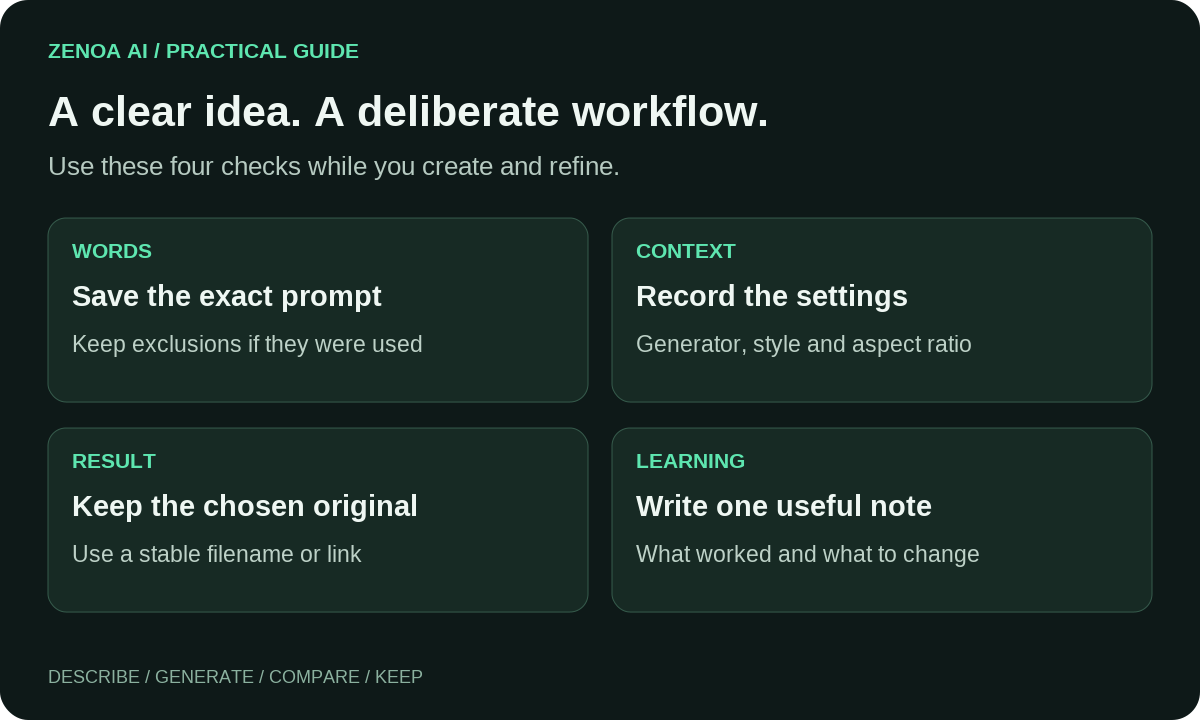
A useful AI prompt library stores the prompt together with its selected image, settings, purpose, and one sentence about what worked. Saving the words alone loses important context. Start with a simple folder and note format before building a complicated tagging system.
What should each prompt record contain?
| Field | What to save |
|---|---|
| Title | A short recognizable name, such as Rainy cafe portrait |
| Prompt | The exact positive prompt used |
| Exclusions | A negative prompt, only if the tool supports and used one |
| Settings | Generator, available model or style name, and aspect ratio |
| Result | The chosen original image or its stable file location |
| Notes | What worked, what failed, and the next change to try |
If the tool exposes a seed or other controls, record them as additional context. They are not a guarantee of identical reproduction after a model or service changes.
Use a lightweight record template
A plain note can be enough:
Title: Quiet reading nook
Purpose: Portrait phone wallpaper
Prompt: A small window seat beside a rainy window, one book,
a warm amber lamp, muted green cushions, quiet upper background,
portrait composition, cinematic illustration
Style: The exact style selected in the app
Aspect ratio: 9:16
Result: reading-nook-v03-original.webp
Worked: Warm subject separates from the cool window
Next change: Leave more quiet space above the lamp
Keep the result beside the record or link to it clearly. “The third image from last week” will be hard to find later.
Organize by the way you search
Choose a small set of useful categories, such as wallpapers, avatars, interiors and landscapes. Add a few consistent tags for medium or mood: watercolor, pixel art, calm, dramatic. Avoid creating a new tag for every adjective in every prompt.
If you mostly reuse images by project, start with project folders. If you mostly reuse visual techniques, organize around lighting, palette or style. The best structure is the one that matches your next retrieval task.
Save revisions without losing the winning version
Use short version numbers and one-line changes:
- v01: starting scene with too much background clutter.
- v02: fewer objects; clearer focal point.
- v03: more space above the subject; selected for wallpaper use.
Keep the successful version clearly marked. You do not need to preserve every discarded image, but do preserve enough context to explain why the selected result is useful.
Turn a saved prompt into a new experiment
Copy the record, change one ingredient and create a new version. Reuse a successful lighting phrase on another subject or keep a color palette while changing the setting. Record whether the recipe transferred well.
Zenoa AI's image library and community can help you revisit creations and find prompts to explore. Keep any additional workflow notes in the organization tool you prefer; this guide does not assume that the app provides every tagging or versioning feature above. For a related creative routine, read remixing with the community.
Frequently asked questions
What is the minimum useful prompt-library record?
Save the exact prompt, the selected result, the style or model information available to you, the aspect ratio and a short note about why the image works.
Should I save every failed generation?
Not necessarily. Keep useful learning examples and the selected result, with enough revision notes to explain meaningful changes.
Will a saved prompt always recreate the same image?
No. Randomness, model updates and settings can change the output. A saved prompt is a reusable brief, not a guaranteed identical-image recipe.