AI Image Composition: Framing, Focal Points, and Negative Space
Improve AI image composition with clear focal points, framing, leading lines, and negative space. Includes reusable scene prompts.
 Sumit Singh RathoreUpdated 3 min read
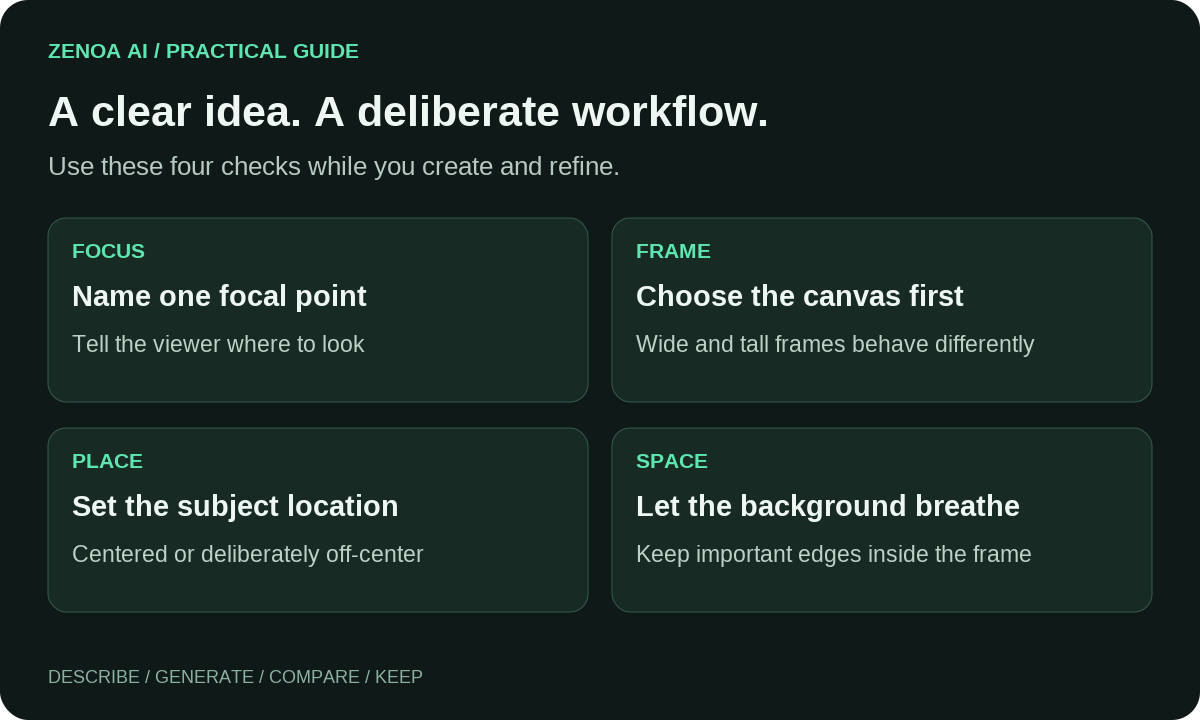
Good AI image composition starts with one clear focal point, a deliberate frame, and space around the important elements. Tell the generator where to place the subject and what the background should do. Adding detail is less useful when the viewer cannot tell where to look first.
What is composition?
Composition is the arrangement of visual elements inside an image. A subject, horizon, path and bright patch of sky can all pull attention in different directions. Your prompt helps establish a hierarchy: what matters first, what supports it, and what can stay quiet.
Choose the aspect ratio before refining that arrangement. A portrait canvas and a widescreen canvas give a sailboat or tower very different amounts of space.
Four composition tools to describe
| Tool | Example wording | Why try it? |
|---|---|---|
| Centered subject | Single subject centered against a plain backdrop | Strong, simple portraits or objects |
| Off-center placement | Boat near the right third, open water on the left | Gives the scene breathing room |
| Leading line | Winding path leading toward the cabin | Connects foreground and focal point |
| Negative space | Quiet empty sky above the skyline | Leaves room for a title or interface |
The rule of thirds is a guide that divides the frame into three rows and columns. You can place a focal point near an intersection without treating it as a rigid requirement. Symmetry and centered subjects can work just as well when they fit the purpose.
Compare two versions of one scene
Start with a neutral prompt:
A small sailboat on a misty mountain lake, soft early light, quiet teal palette, cinematic illustration, wide composition
For a centered version, add “boat centered, balanced mountain silhouettes on either side.” For an off-center version, add “boat near the right third, broad open water to the left, low horizon.”
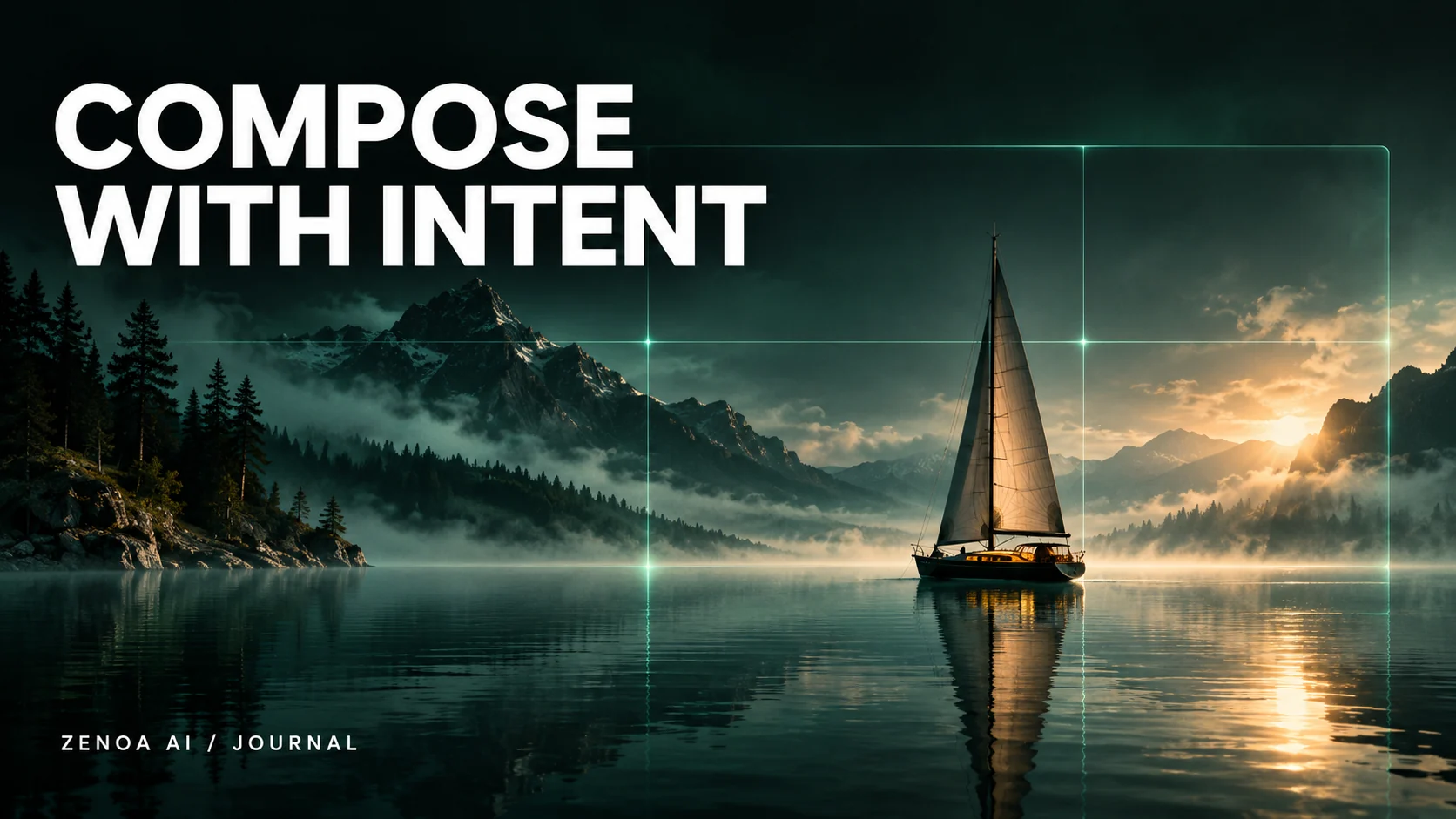
Keep the lighting and style stable. Compare which version has a clearer subject and whether the empty space feels intentional. The cover illustrates an off-center framing idea; it is a conceptual example rather than a measured placement guarantee.
How do you prevent accidental cropping?
Describe the whole subject and ask for space around it: “full sail visible, generous sky above the mast.” Avoid asking for both an extreme close-up and a full object in the same prompt. Inspect the result at the size you plan to use, since a thumbnail crop may hide an edge that looked safe full-screen.
For an image with text added later, specify the empty region directly. “Open dark space on the left for a headline” is more actionable than “good layout.” Add the actual lettering in an editor after generation.
A quick review before saving
Can you name the focal point immediately? Do bright background details compete with it? Are important edges cut off? Does the image still read when small? If a composition fails one of those checks, change that specific instruction before changing the entire prompt. Our refinement guide offers more targeted fixes.
Frequently asked questions
What is negative space in an AI image?
Negative space is a relatively quiet area around the main subject. It can improve visual balance or leave room for a headline, clock or other interface elements.
Does every image need the rule of thirds?
No. The rule of thirds is a useful composition guide, but centered, symmetrical and deliberately unusual arrangements can also work.
How do I keep a subject from being cut off?
Request the full subject, a wider view and breathing room around important edges. Check the generated image and the final display crop.