How to Create AI Phone Wallpapers That Fit Your Screen
Create AI phone wallpapers with space for clocks and icons. Use portrait prompts, test the crop, and avoid busy backgrounds.
 Sumit Singh RathoreUpdated 3 min read
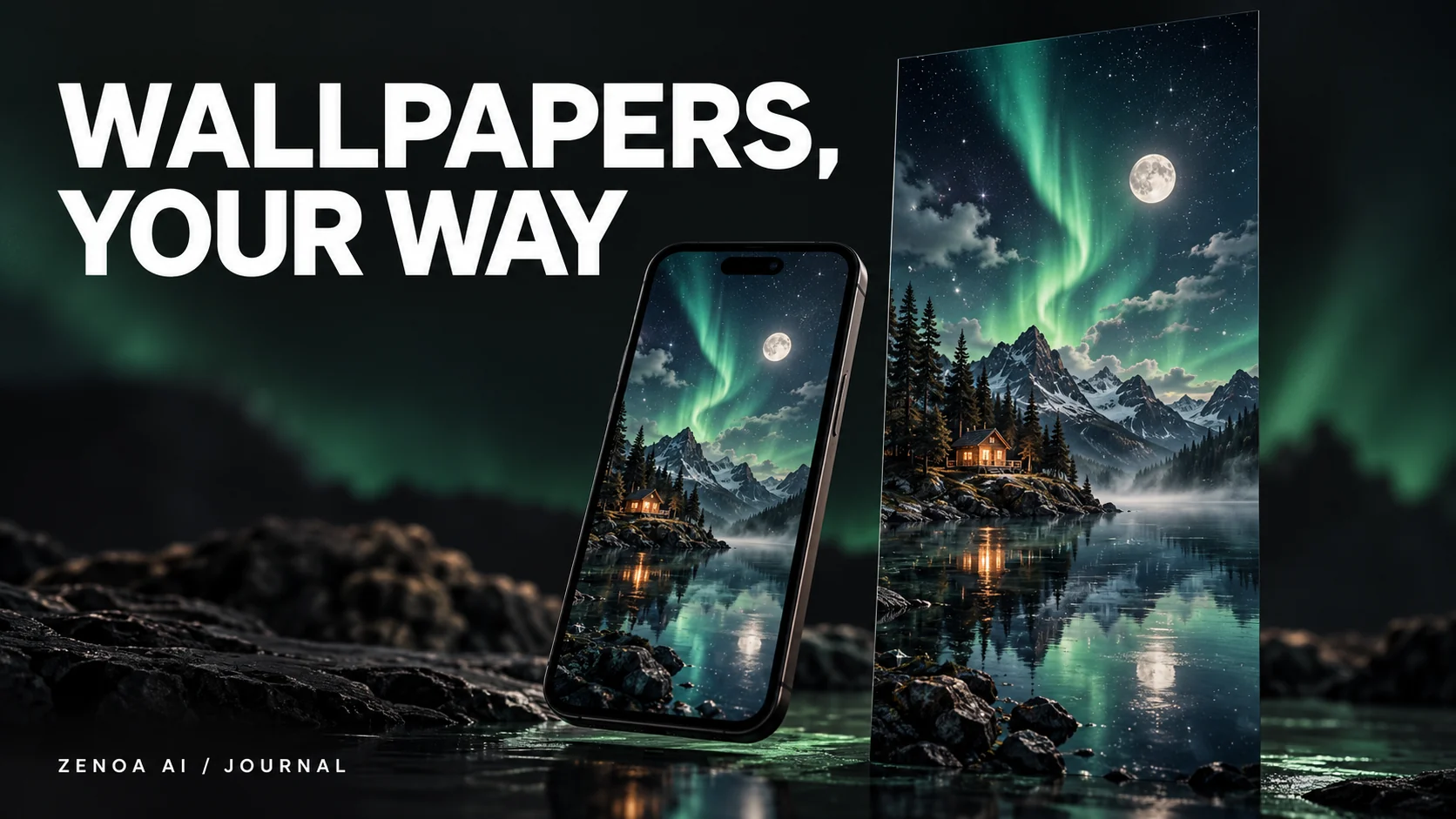
To make an AI phone wallpaper, choose a portrait aspect ratio, describe one focal subject, and reserve quiet space for the clock and icons. Preview the downloaded image on your actual lock screen before keeping it. A beautiful image can still make an awkward wallpaper if the clock covers its main subject.
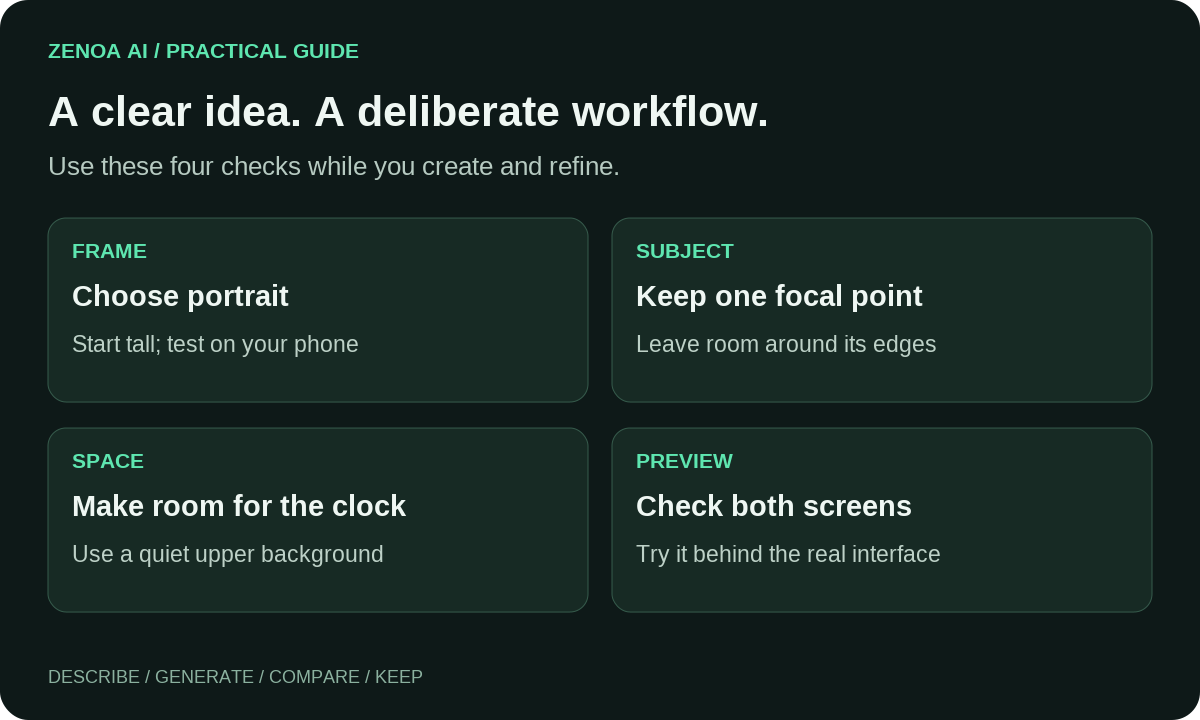
What makes an image work as a phone wallpaper?
A wallpaper has two jobs: look good and sit behind an interface. Leave a calm sky, wall or gradient near the top for a lock-screen clock. Keep small, high-contrast details away from places where you need to read icons. A large moon or mountain silhouette usually survives cropping better than a scene full of tiny buildings.
A 9:16 portrait frame is a useful starting point, but phones vary in shape and may zoom the image when applying it. Use our aspect ratio guide to understand the frame, then let the phone preview settle the final crop.
A simple wallpaper workflow
- Decide whether the image is for the lock screen, home screen or both.
- Choose a portrait frame before generating.
- Place one subject in the lower half and ask for open space above it.
- Generate several versions and compare silhouettes rather than tiny details.
- Download the strongest version and test it behind the actual interface.
In Zenoa AI, start with the Generate tab and choose the art style and aspect ratio available in your app. The getting-started guide walks through that flow.
Three wallpaper prompts to try
Quiet mountain night
A tiny cabin beside a moonlit alpine lake, pine silhouettes, deep teal and silver palette, cabin in the lower third, open dark sky above, portrait composition, cinematic illustration
Soft abstract shapes
Layered flowing paper shapes, muted sage and warm cream, gentle shadows, large simple forms, low visual clutter, portrait composition, quiet upper section
Rainy city glow
One warm streetlamp beside a rainy window at night, subtle amber reflections, dark navy background, subject low in the frame, soft focus, vertical cinematic composition
These are starter prompts, not guarantees of a particular result. If a foreground object blocks your icons, simplify that part of the scene rather than adding more quality adjectives.
How do you fix a wallpaper that crops badly?
| Problem | Prompt change |
|---|---|
| Clock covers the subject | Move the subject lower and ask for open sky |
| Image feels too busy | Reduce the number of objects and background details |
| Phone cuts off the edges | Ask for a wider view with breathing room around the subject |
| Text is hard to read | Try a calmer, more even background behind the interface |
Keep the downloaded original. A screenshot of the wallpaper preview includes interface elements and is a poor source for another crop. For a matching set, reuse the palette and setting while changing only one subject.
Frequently asked questions
What aspect ratio should I use for a phone wallpaper?
Start with a tall portrait ratio such as 9:16, then check the crop on your phone. Screen shapes and wallpaper zoom settings vary.
Why does my wallpaper look zoomed in?
Your phone may enlarge the image to fill its display. Leave space around the main subject and adjust the wallpaper preview where your device allows it.
Can I use the same image for my lock screen and home screen?
Yes, but check both previews. A lock-screen clock and a grid of home-screen icons cover different parts of the image.