How to Make AI Profile Pictures That Look Good in a Circle
Design AI avatars that survive circular crops. Learn framing, style choices, and prompts for original profile pictures.
 Sumit Singh RathoreUpdated 3 min read
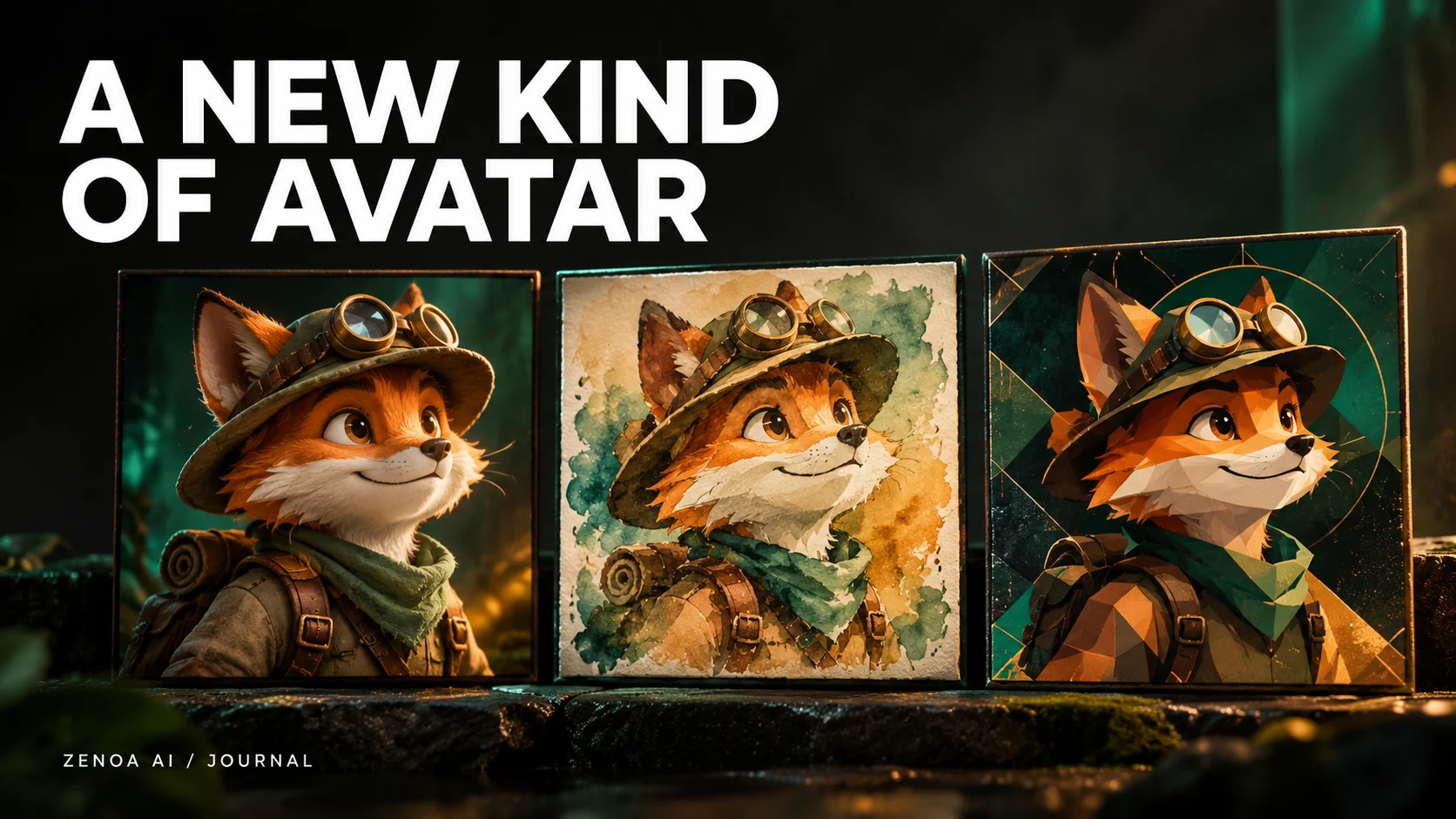
A good AI profile picture uses a square canvas, one clear subject, and enough space around the head to survive a circular crop. Choose a recognizable silhouette and a simple background before adding decorative detail. Most people will see your avatar much smaller than the image you generate.
Should you use a portrait or an illustrated avatar?
An illustrated character works well when you want a creative identity without suggesting that the image is a photograph of you. A realistic portrait has a different expectation: viewers may assume it represents an actual person. Choose the format that fits the account's purpose and describe it honestly.
This guide uses original fictional characters. Text prompting alone does not preserve a real person's exact likeness. It also does not guarantee that a character will look identical in later generations.
Frame for the circular crop
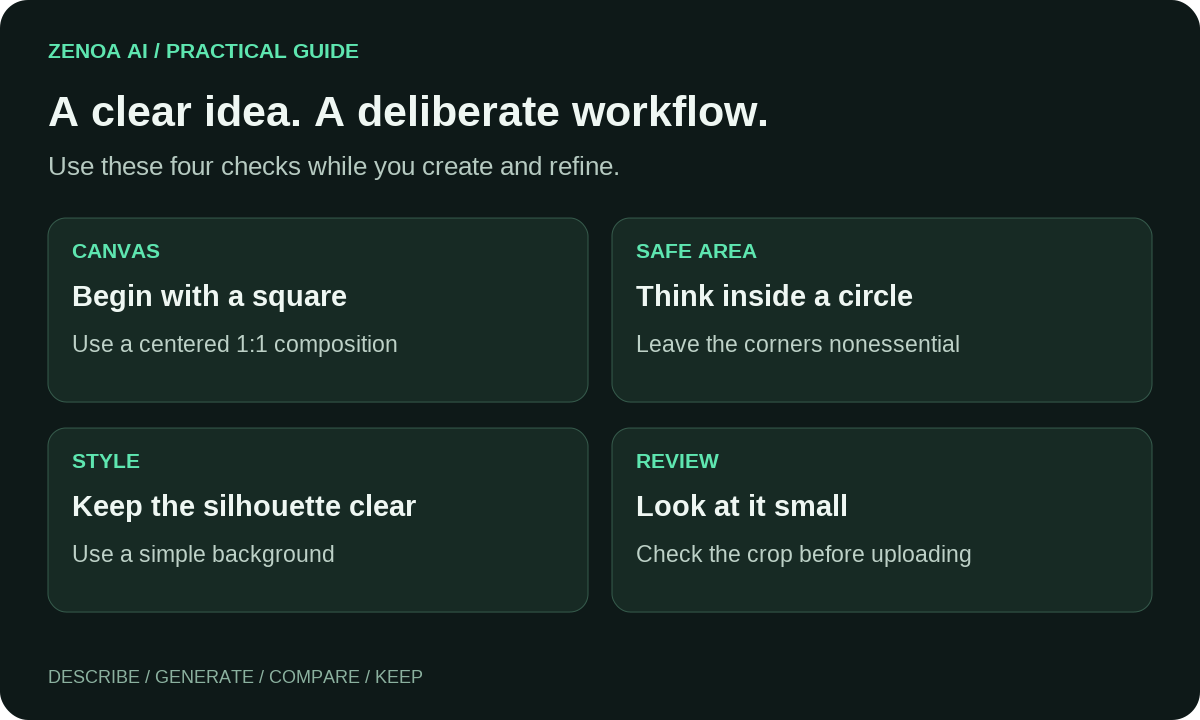
Begin with 1:1. Center the face, leave space above the ears or hair, and keep important accessories away from the corners. A platform can discard the square's corners when it turns the image into a circle.
Try a chest-up view instead of an extreme close-up. If the eyes are too small at avatar size, move closer; if the ears disappear, move back. Check both the square original and a circular preview.
Three original avatar prompts
Friendly clay character
A friendly fox explorer wearing a forest-green scarf, centered chest-up portrait, rounded clay sculpture style, warm amber eyes, plain dark teal background, soft studio light, generous space around the ears, square composition
Clean illustrated robot
A small curious robot with one round antenna and a cream metal face, bold simple shapes, navy and orange palette, centered bust portrait, plain background, editorial illustration, square composition
Gentle watercolor owl
An original owl librarian with round spectacles, centered portrait, soft watercolor on textured paper, muted olive and cream, simple pale background, full head visible, square composition
For more control over the wording, use the five-part prompt formula. Keep the background description short so it does not compete with the face.
How to choose the strongest version
| Check | What to look for |
|---|---|
| Small preview | Subject is recognizable without zooming |
| Circular crop | Ears, hair and accessories remain inside the circle |
| Contrast | Face separates clearly from the background |
| Details | Eyes and accessories remain coherent at full size |
Avoid choosing solely by the most elaborate rendering. A complex forest behind the character may look impressive full-screen and disappear into noise on a comment thread.
Make a matching avatar set
Record a short identity description: subject, distinctive accessory, palette and style. Reuse those words for each variant, then change one expression or background at a time. Expect differences and select manually. Our cohesive image series guide explains how to keep those decisions organized.
Frequently asked questions
What shape should an AI profile picture be?
Generate a square image and keep the subject within a centered circular safe area. Many services display profile pictures as circles.
Can a text prompt recreate my exact face?
A text prompt alone is not a reliable way to preserve an exact personal likeness. This tutorial focuses on original fictional avatars.
Why does a detailed avatar look unclear when uploaded?
Profile pictures are displayed at small sizes. Simplify the background, enlarge the face and choose stronger separation between the subject and its surroundings.