How to Choose an AI Art Style for Your Image
Compare realistic, watercolor, pixel art, and 3D styles by purpose. Use one subject to find the right visual direction.
 Sumit Singh RathoreUpdated 3 min read
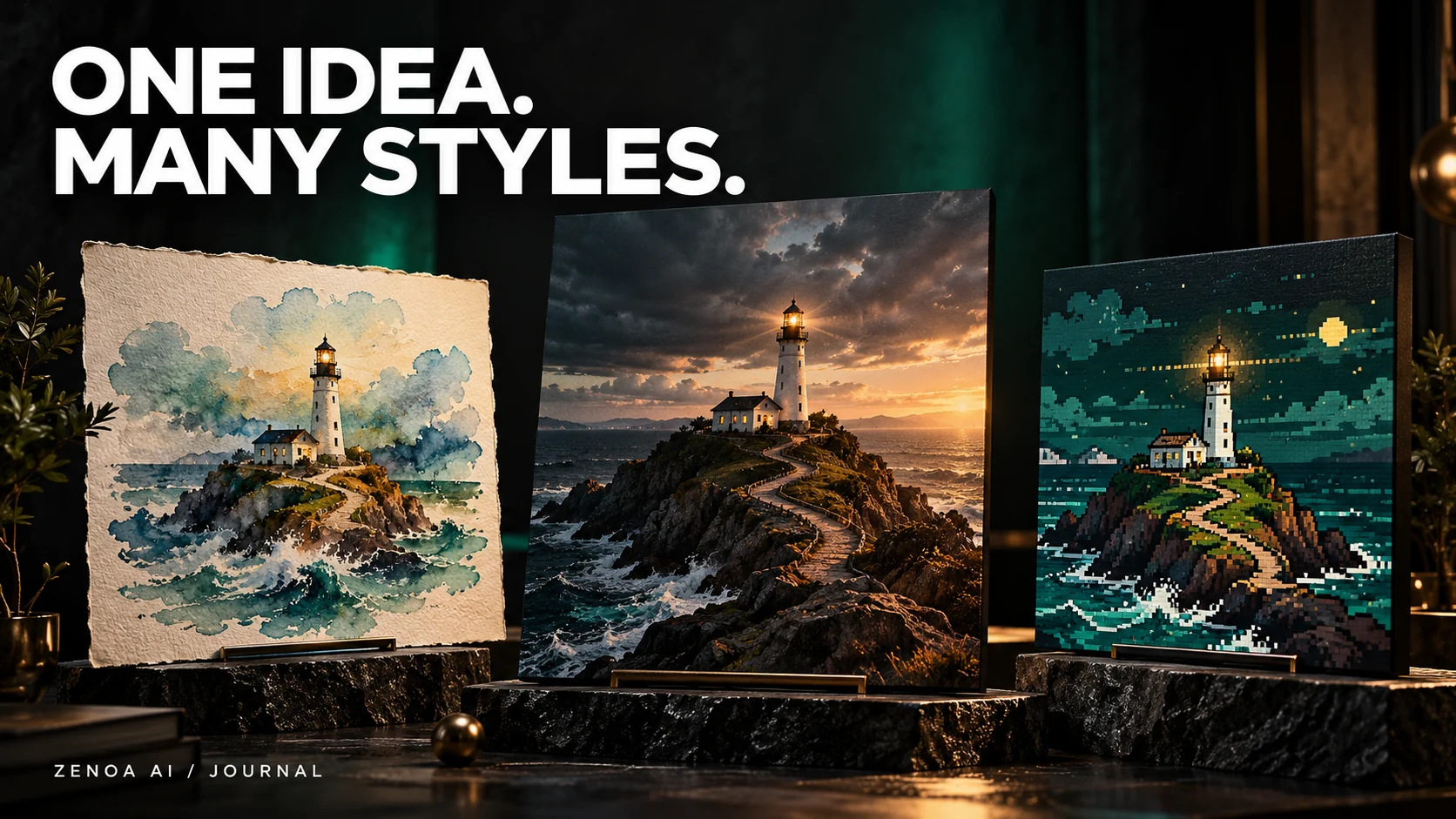
Choose an AI art style by the job the image needs to do: realism for believable scenes, watercolor for a soft illustrated feel, pixel art for bold simplified forms, and 3D for dimensional characters or objects. Test the same subject in a few styles so you can compare the medium rather than three unrelated ideas.
Start with the destination
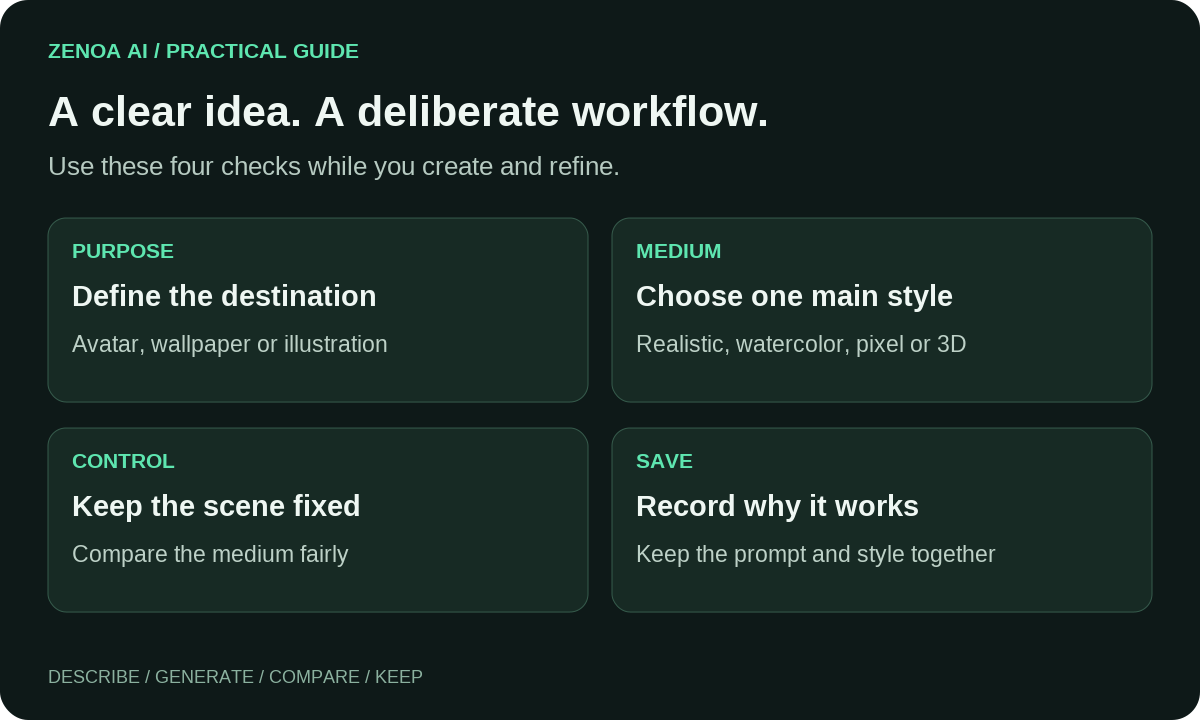
An avatar needs a strong silhouette at a small size. A calm wallpaper needs room for interface elements. A story illustration may need expressive texture. Those needs are more useful than asking which style is universally best.
Write a one-sentence brief before opening the style selector: “I need a peaceful lighthouse illustration for a reading journal cover.” That brief gives you a way to judge whether each generation works.
Which style fits which purpose?
| Style | Useful starting point | Watch for |
|---|---|---|
| Realistic | Environments and believable materials | Plausible-looking details that are still wrong |
| Watercolor | Gentle scenes and illustrated stationery | Soft edges that reduce small-size clarity |
| Pixel art | Retro worlds and simple characters | Inconsistent pixel sizes and blurry edges |
| 3D or clay | Playful objects and original mascots | Materials or lighting that feel inconsistent |
| Flat illustration | Simple editorial concepts | Too many competing shapes |
These are creative directions rather than fixed rules. The result depends on the model, prompt and style controls in the generator you use.
Compare styles with one controlled prompt
Use this base scene:
A lone lighthouse on a small rocky island, a winding path, calm sea, early evening, wide composition
Generate the scene with one clear medium at a time. For watercolor, add “transparent washes, textured paper, soft edges.” For pixel art, try “limited palette, crisp square pixels, simplified silhouettes.” For realism, try “natural coastal light, weathered stone, photographic detail.”
Keep the subject, time of day and framing unchanged during the comparison. You are testing the medium. If you also change the camera angle and weather, it becomes harder to explain why you prefer one image.
Should you combine several art styles?
Start with one dominant medium. “Photorealistic watercolor pixel art” gives competing visual instructions. A focused blend can work, such as a clay character on a plain photographed-looking background, but it requires a clear relationship between the elements.
In Zenoa AI, choose a preset available in your style selector and keep the prompt aligned with that choice. A preset is a starting direction, not a promise that every output will have the same finish.
Build a small style reference
Save the preferred image with its prompt, style and intended use. Add a sentence explaining why it works: “Clear silhouette; soft background; enough empty space for a title.” That note is more reusable than “looks nice.” Continue with our watercolor prompt guide or pixel-art prompt guide when you want to explore those mediums in more depth.
Frequently asked questions
What is the best AI art style for beginners?
Start with one clear medium that suits the image purpose, such as realistic, watercolor, flat illustration or clay. Compare a few results using the same subject.
Should I put an artist name in my prompt?
You can describe the visual properties directly instead: medium, texture, palette, edge treatment and lighting. Those details make your intended look easier to explain and refine.
Why does a style preset produce different results each time?
A preset influences the direction, but the prompt, model and random generation process still affect each result. Compare several variants before choosing.